CommaView shows your comma’s road camera and driving overlays on your Android phone or tablet, over your own network. Record drives, see your week and find your car.
Everything the app shows comes from your comma, over your own network.
Live View
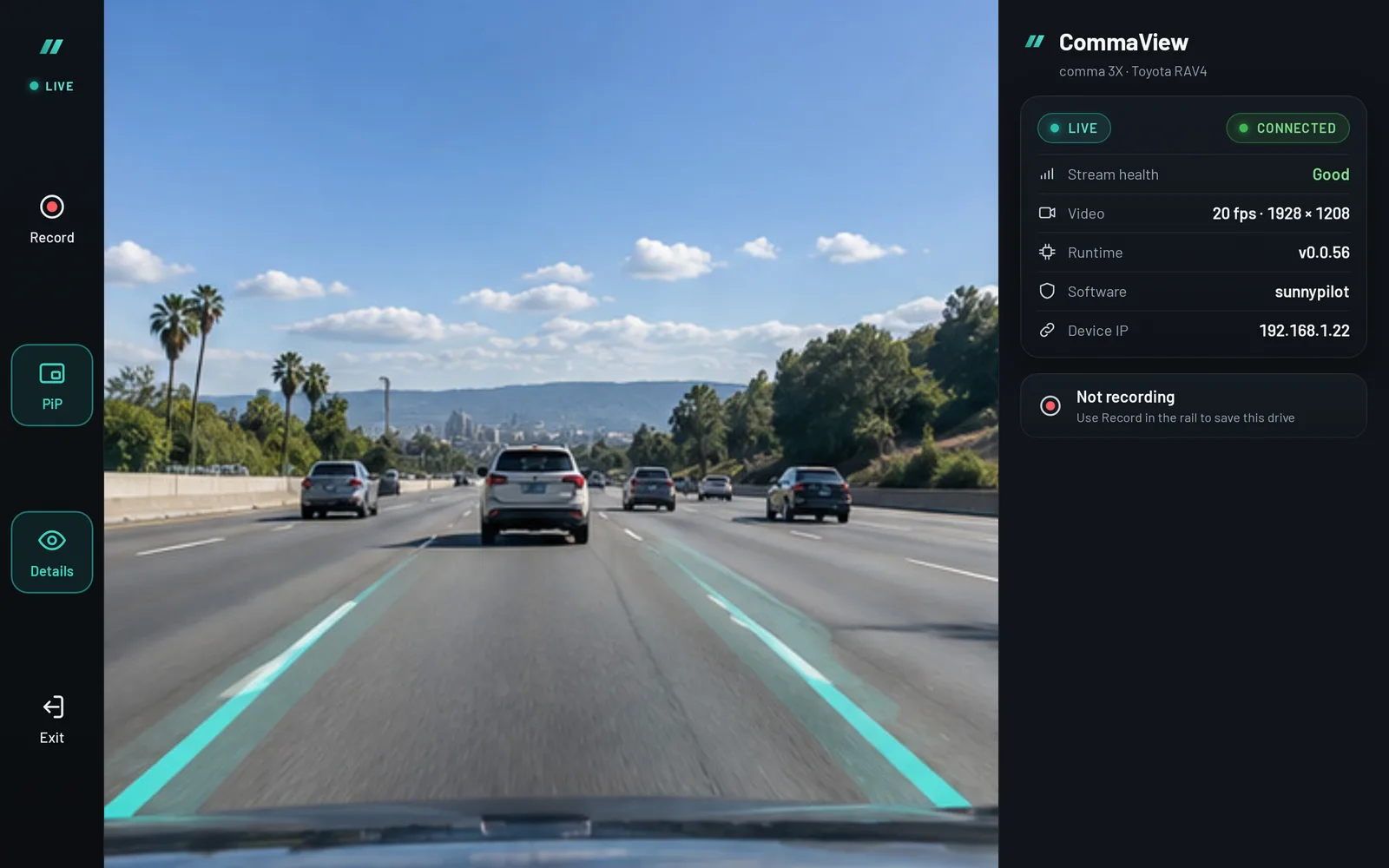
The road camera, live on your screen.
See what your comma sees in real time, with the path and lane lines openpilot draws on top. Record a drive with one tap, or keep Live View in picture-in-picture.
Classic, CommaView and high-contrast overlays
Details at a glance: video, network, runtime
Recordings
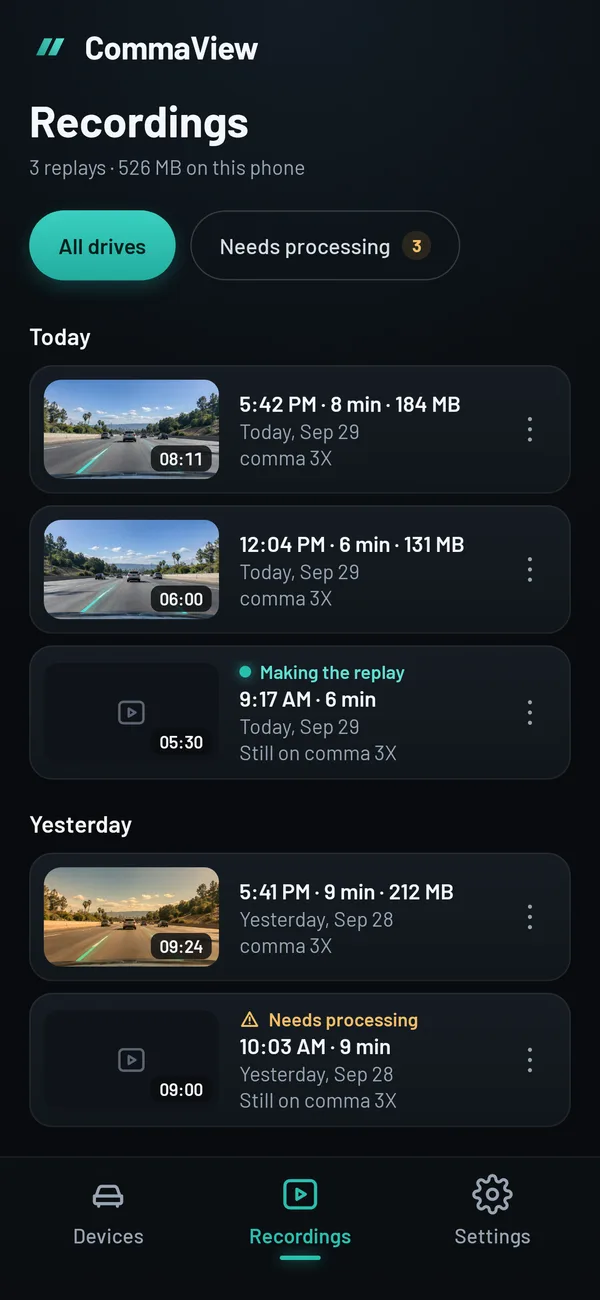
Every drive you save, on your phone.
Save drives from the comma to your phone, play them back with the overlays, and export or share a clip. Recordings stay on your phone until you delete them.
Grouped by day, with the size of each
Replays made on the phone, not in the cloud
Driving insights
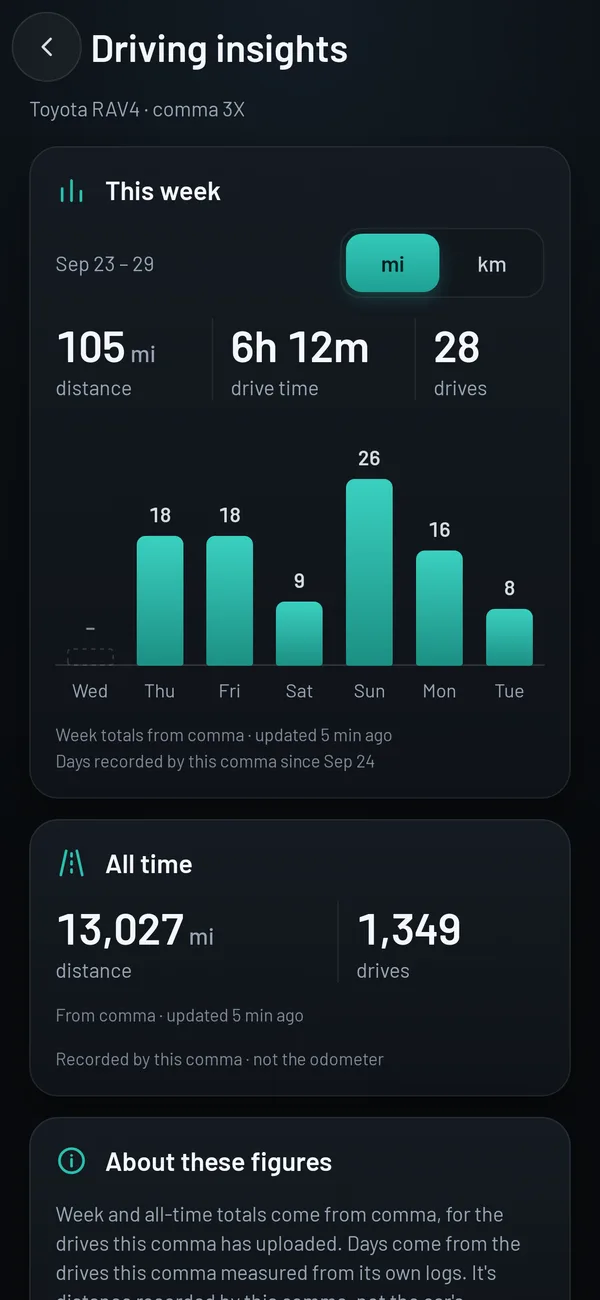
Your week at a glance.
Distance, drive time and drives for the week, day by day, and all time. Recorded by your comma, straight from its own logs.
Miles or kilometres
Clear about the source: your comma, not the odometer
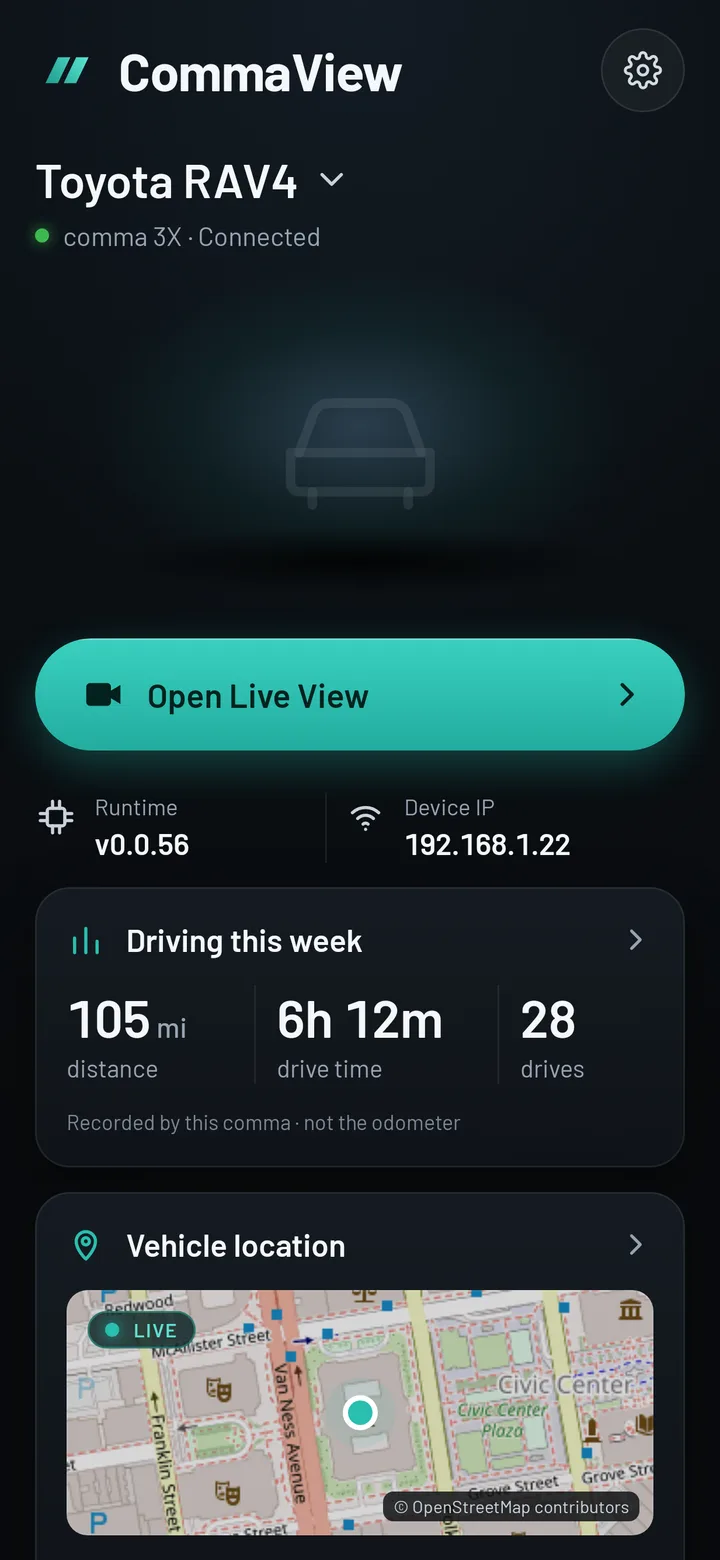
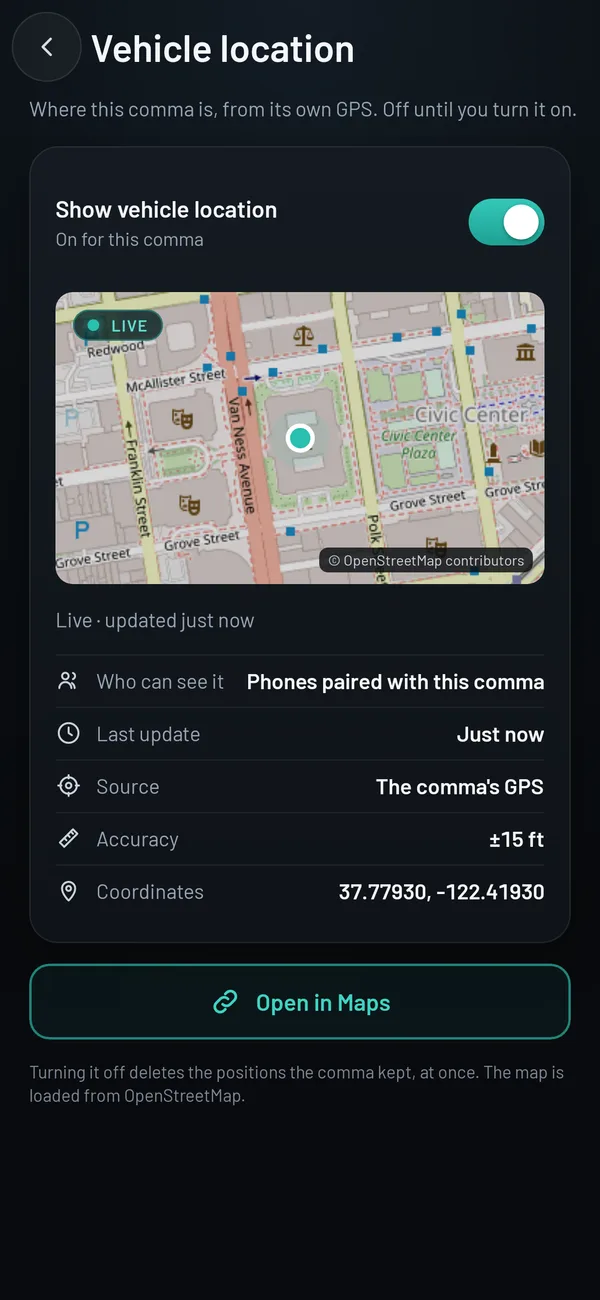
Vehicle location
Where the car is, and where you parked.
The car’s live position while you drive, and its parked spot afterwards, on OpenStreetMap. It’s off until you turn it on, and the position goes straight from your comma to your phone.
From the comma’s own GPS
Turning it off deletes the positions the comma kept
Screens shown with sample data.
How it works
Up and running in three steps.
1
Join the beta
Sign up with your email. We’re letting people in in small groups and email your invite when it’s your turn.
2
Install the app and add your comma
Guided setup connects to your comma over SSH, installs the small CommaView runtime and checks it. It takes a few minutes.
3
Open Live View
On the same Wi-Fi or the comma’s hotspot, video streams straight from the comma to your phone.
CommaView is unofficial software, not affiliated with comma.ai. It is not a safety system: never let it distract you from driving, and follow the law where you drive.
Each app release is paired with the matching runtime for your comma.
Android app
app-v0.0.131-alpha
Runtime
v0.0.48-alpha
Status
Early access via Firebase App Distribution
Questions
Good to know.
What do I need?
An Android phone or tablet (Android 8 or later) and a comma 3X or comma four running openpilot or sunnypilot. The phone and the comma need to be on the same network, or the phone on the comma’s hotspot.
Does it need the internet?
Live View and recordings don’t: they go straight from the comma to your phone. The map in Vehicle location and app updates do.
What does it install on my comma?
A small runtime, commaviewd, that serves the camera and driving data to the app on your network, and a small hook in openpilot’s on-screen UI so CommaView can draw the same path and lanes. Guided setup installs both and checks them.
Is CommaView made by comma.ai?
No. CommaView is an independent project, not affiliated with or endorsed by comma.ai.
How do I get in?
Join the list. We’re letting people in in small groups and email each invite. Already invited? Sign in at my.commaview.com with the address your invite came to.
Get your invite.
CommaView is invite-only while it’s in beta. Join the list and we’ll email you when it’s your turn.