
All guides · Updates and your account
Guide · Updates and your account
Remove CommaView from your comma
Uninstall runtime removes CommaView from your comma: it reverts CommaView’s hooks, stops its runtime and removes /data/commaview. Your fork keeps driving as it always did. Use it to remove CommaView, or to run guided setup again from the start.
Before you start
- The phone and the comma together
On the same Wi‑Fi as the comma, or on its hotspot. Device settings needs the comma to manage updates and removal.
- The car on, in Park
If the car is being driven, the comma queues the uninstall until it’s in Park with openpilot disengaged.
Steps
Tick each step off as you go. The first time, do it parked.
-
Step 1 of 4: Open the comma’s Device settings
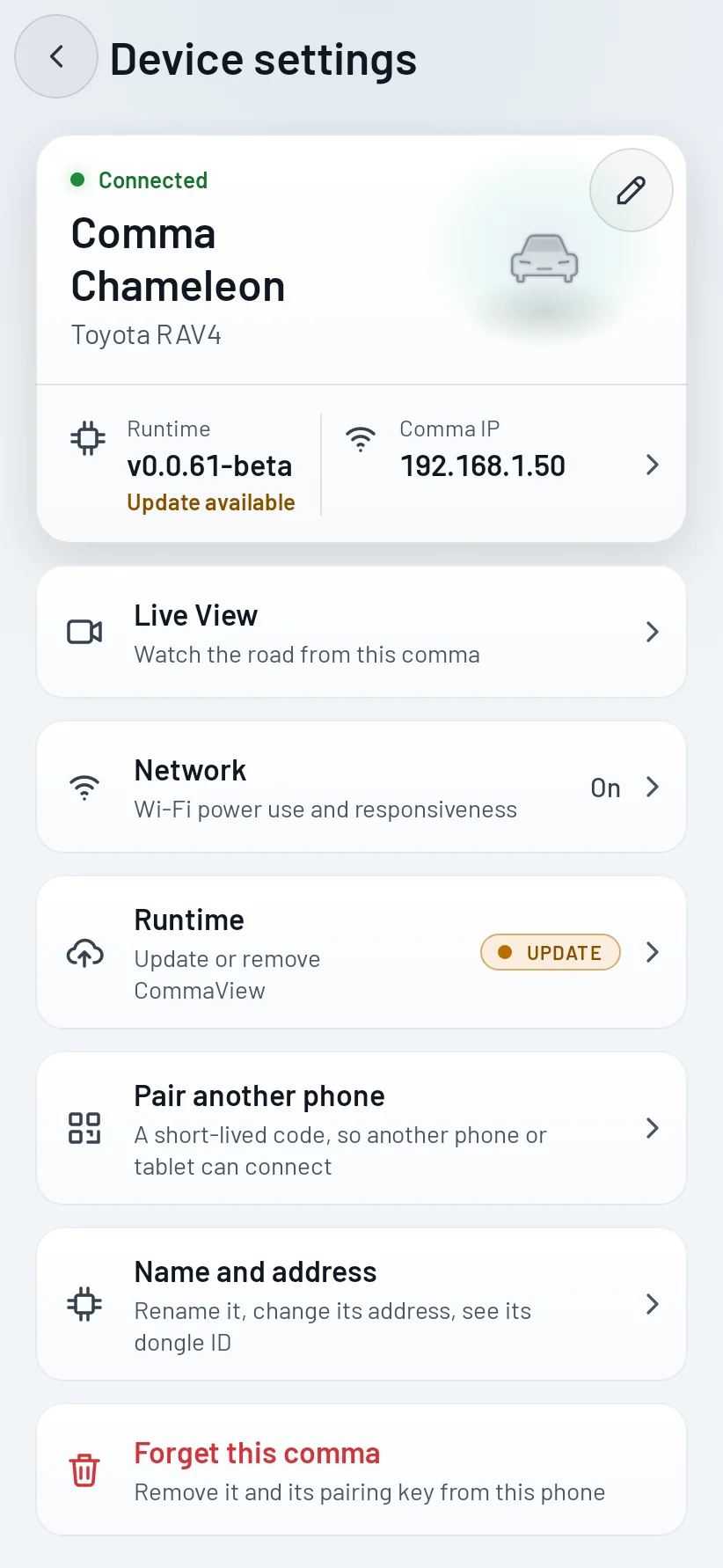
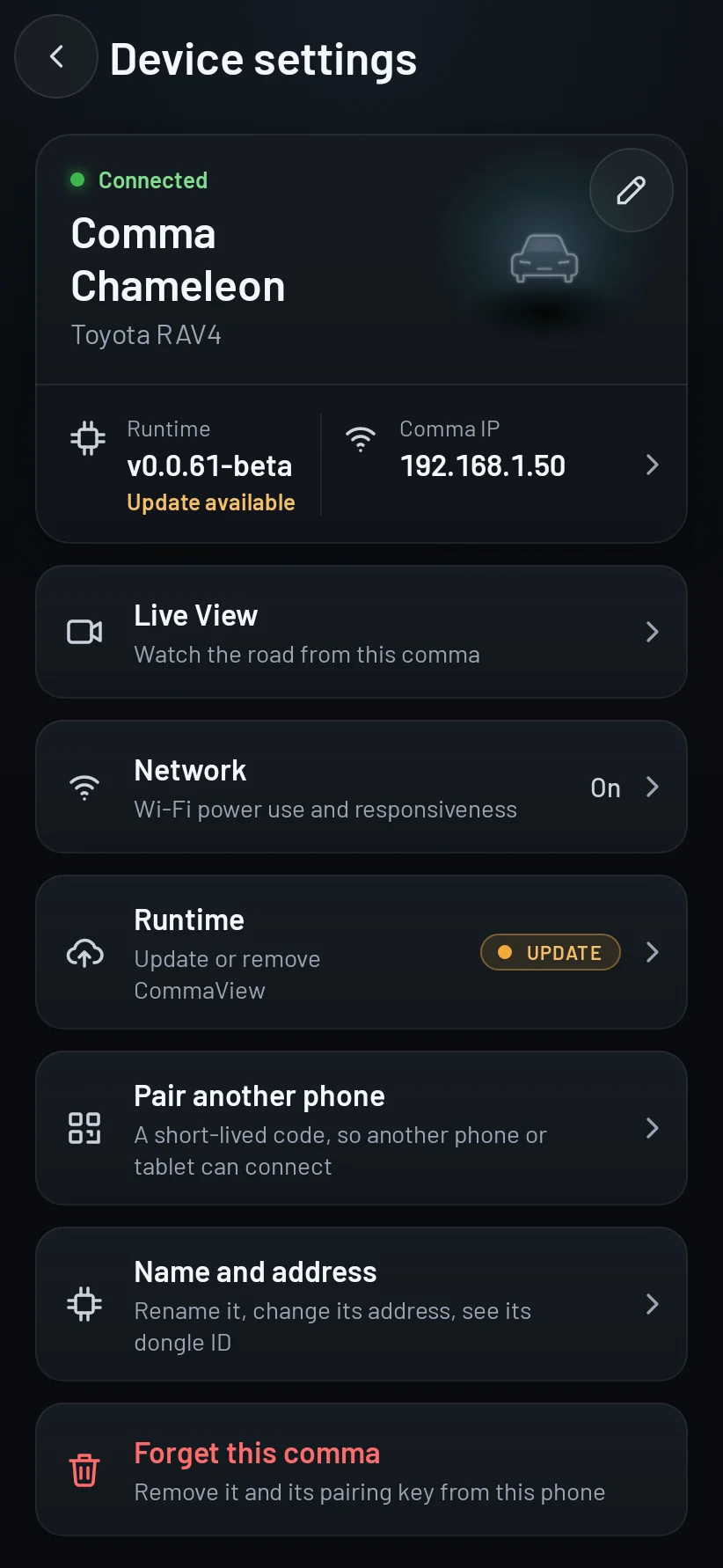
From Home, open your comma’s Device settings, then Runtime (“Update or remove CommaView”).
-
Runtime: update or remove CommaView.
-
-
Step 2 of 4: Tap Uninstall runtime
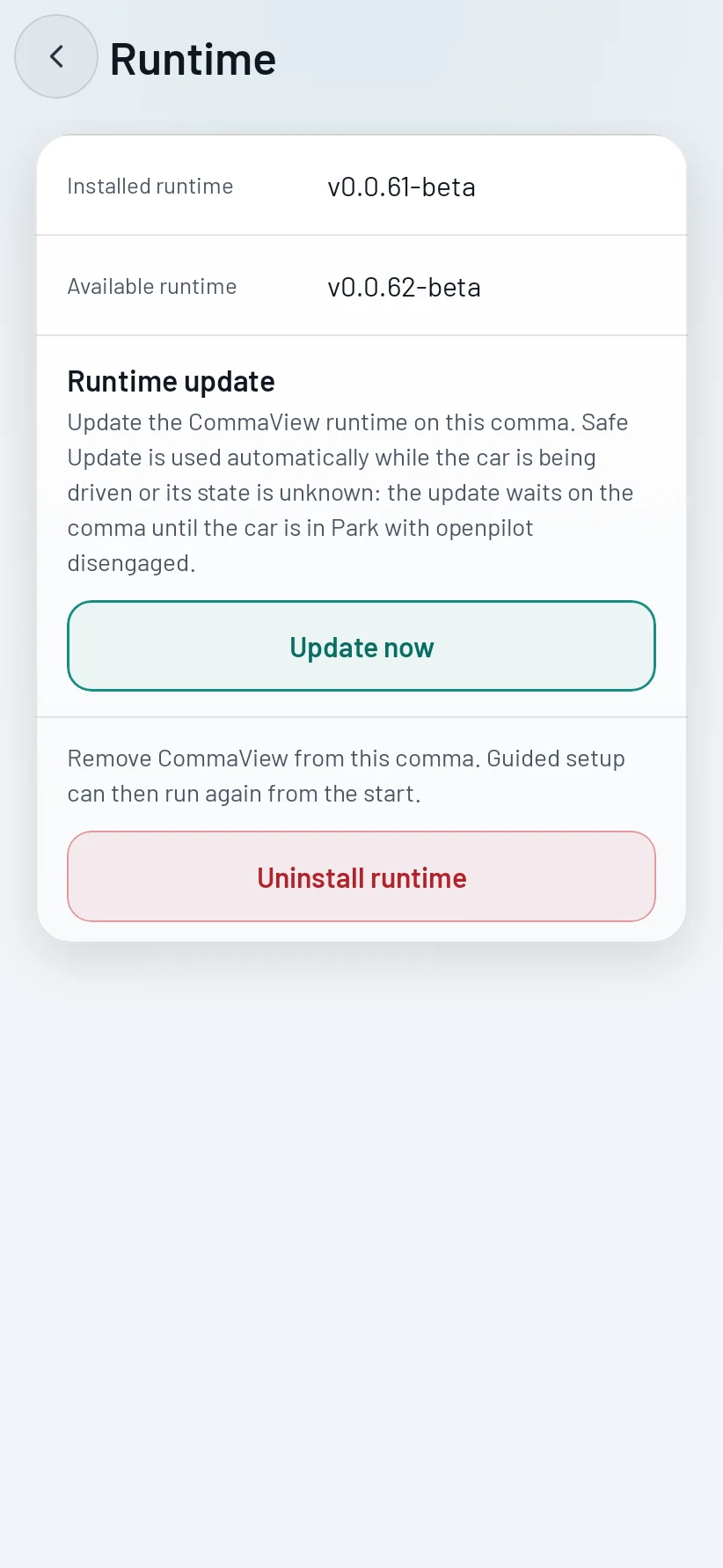
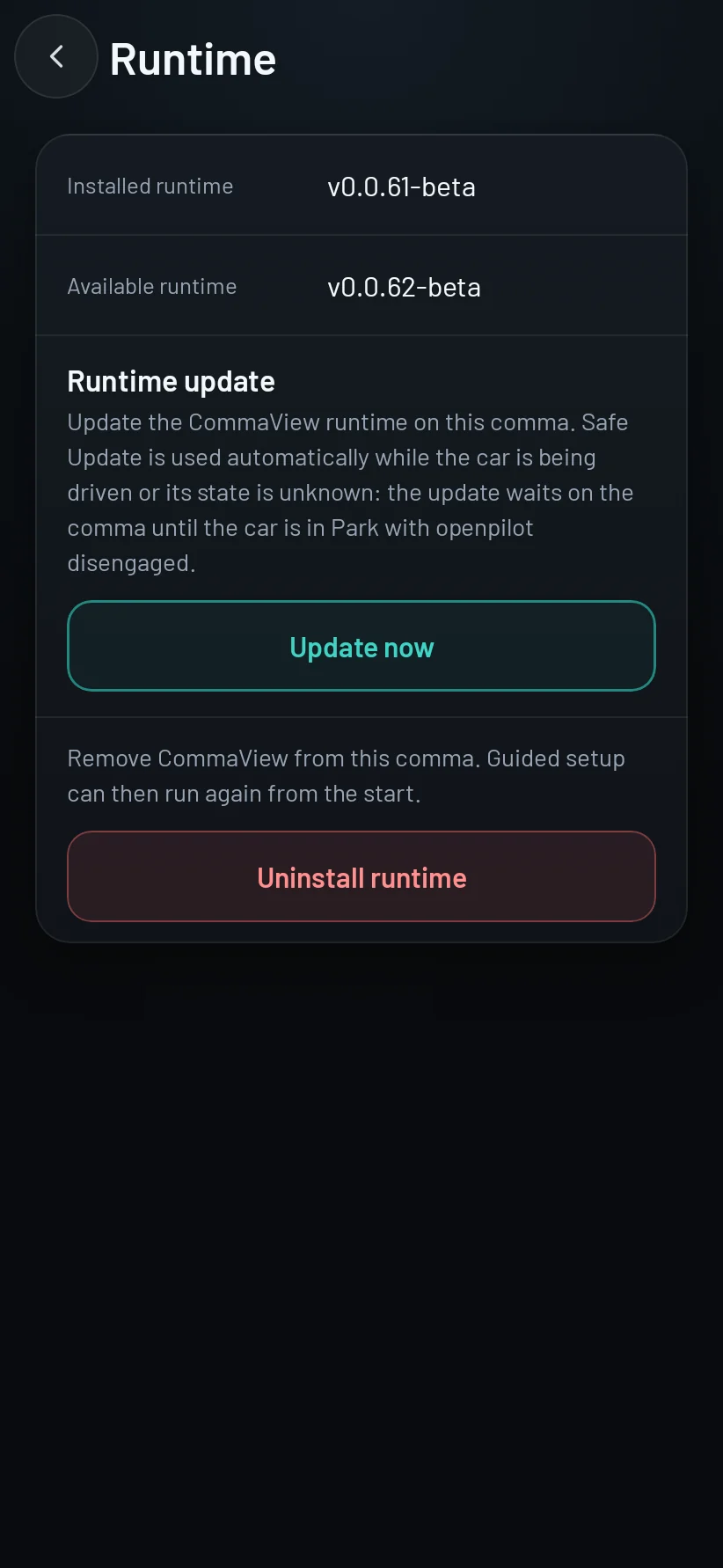
Under the runtime update, Uninstall runtime removes CommaView from this comma. Guided setup can then run again from the start.
-
Uninstall runtime.
-
-
Step 3 of 4: Confirm
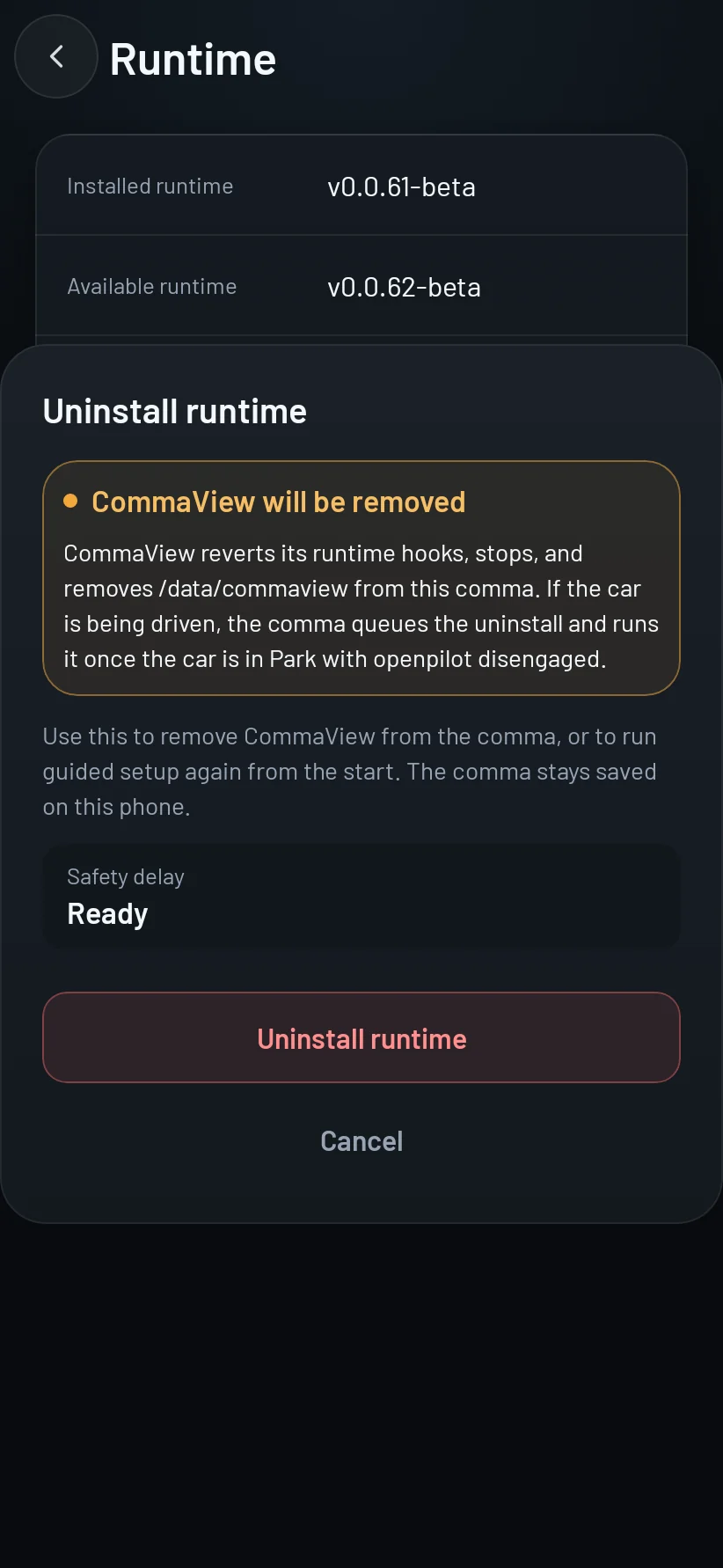
CommaView will be removed: CommaView reverts its runtime hooks, stops, and removes
/data/commaviewfrom this comma. The comma stays saved on your phone. Tap Uninstall runtime once its short countdown ends.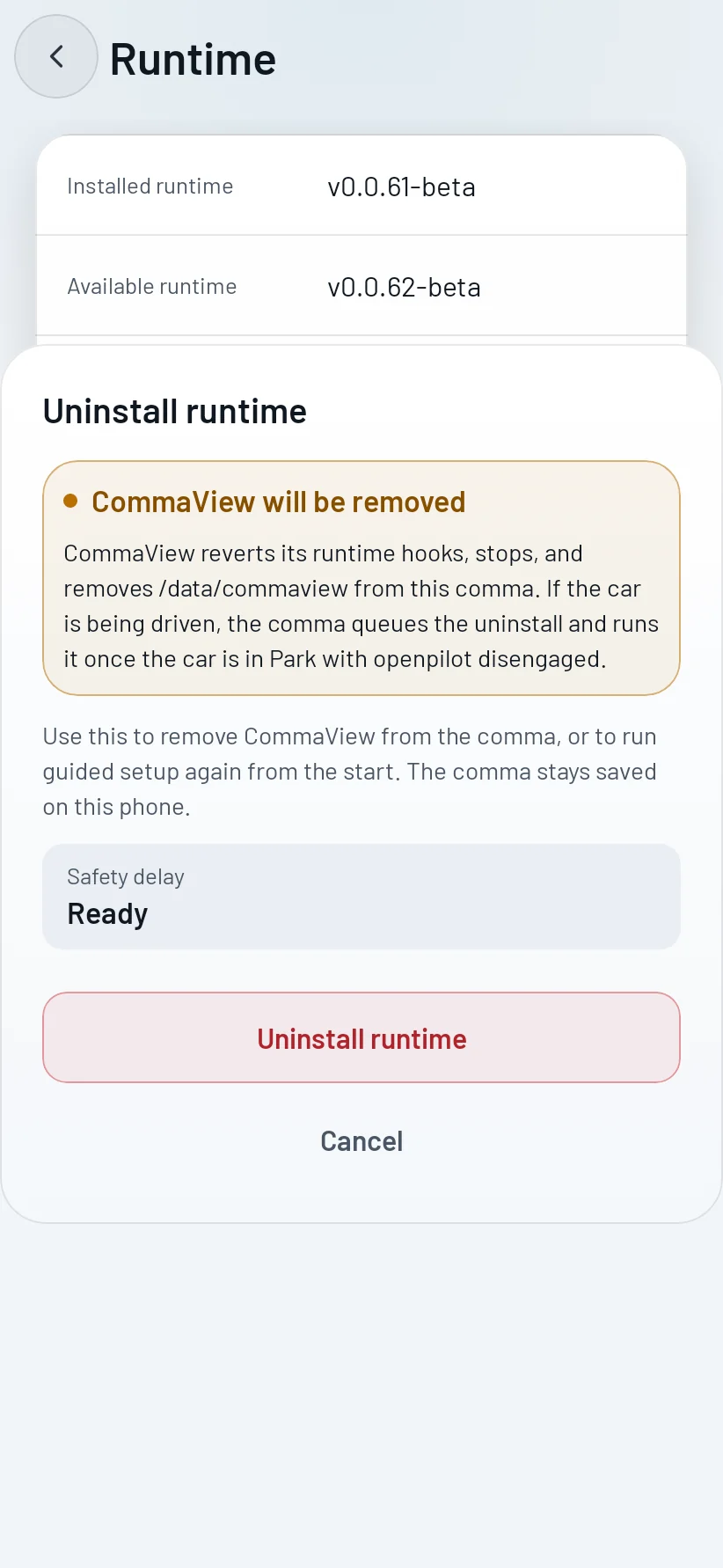
-
CommaView will be removed, and what that does.
-
Uninstall runtime, after its countdown. Cancel keeps CommaView.
If the car is being driven, the comma queues the uninstall: CommaView is removed once the car is in Park with openpilot disengaged, and keeps running until then.
-
-
Step 4 of 4: Forget the comma on your phone, if you like
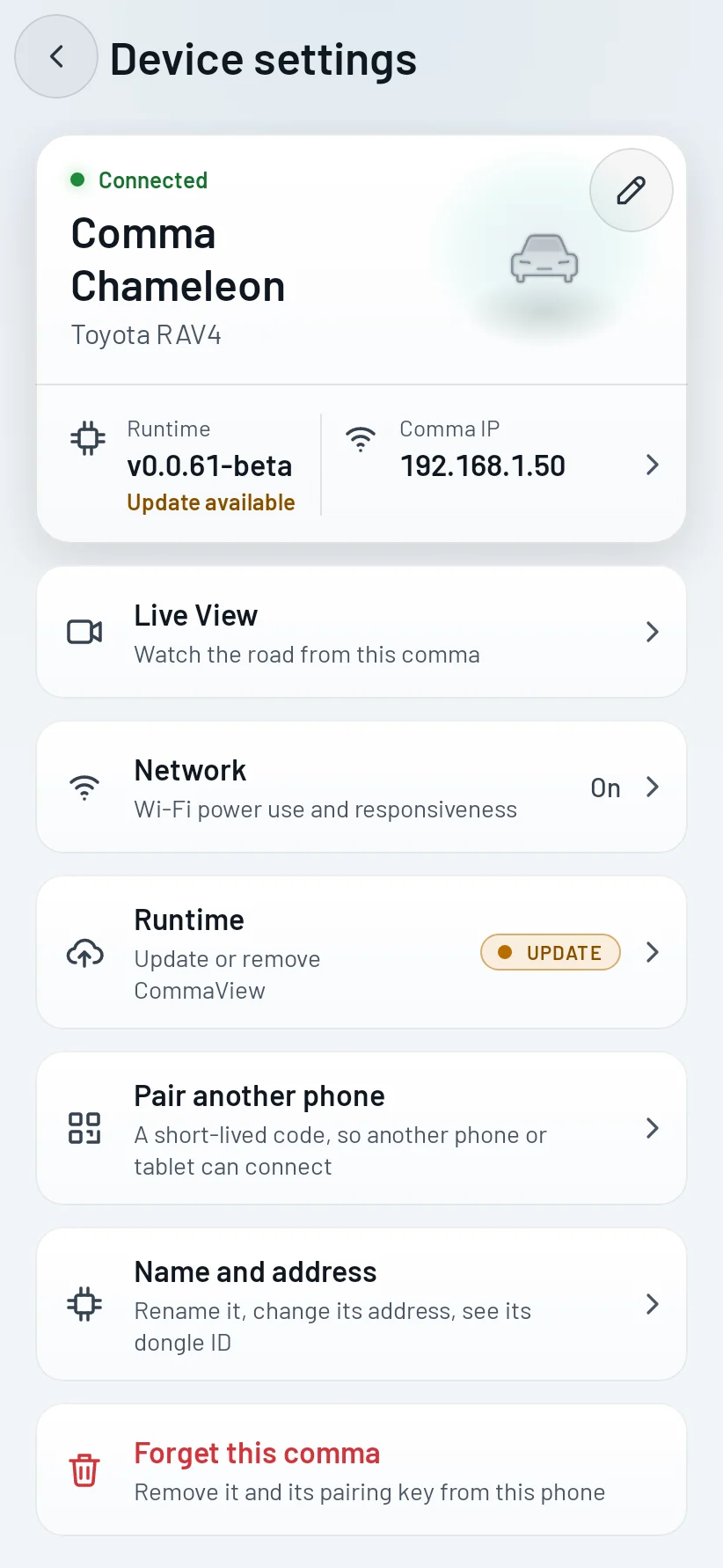
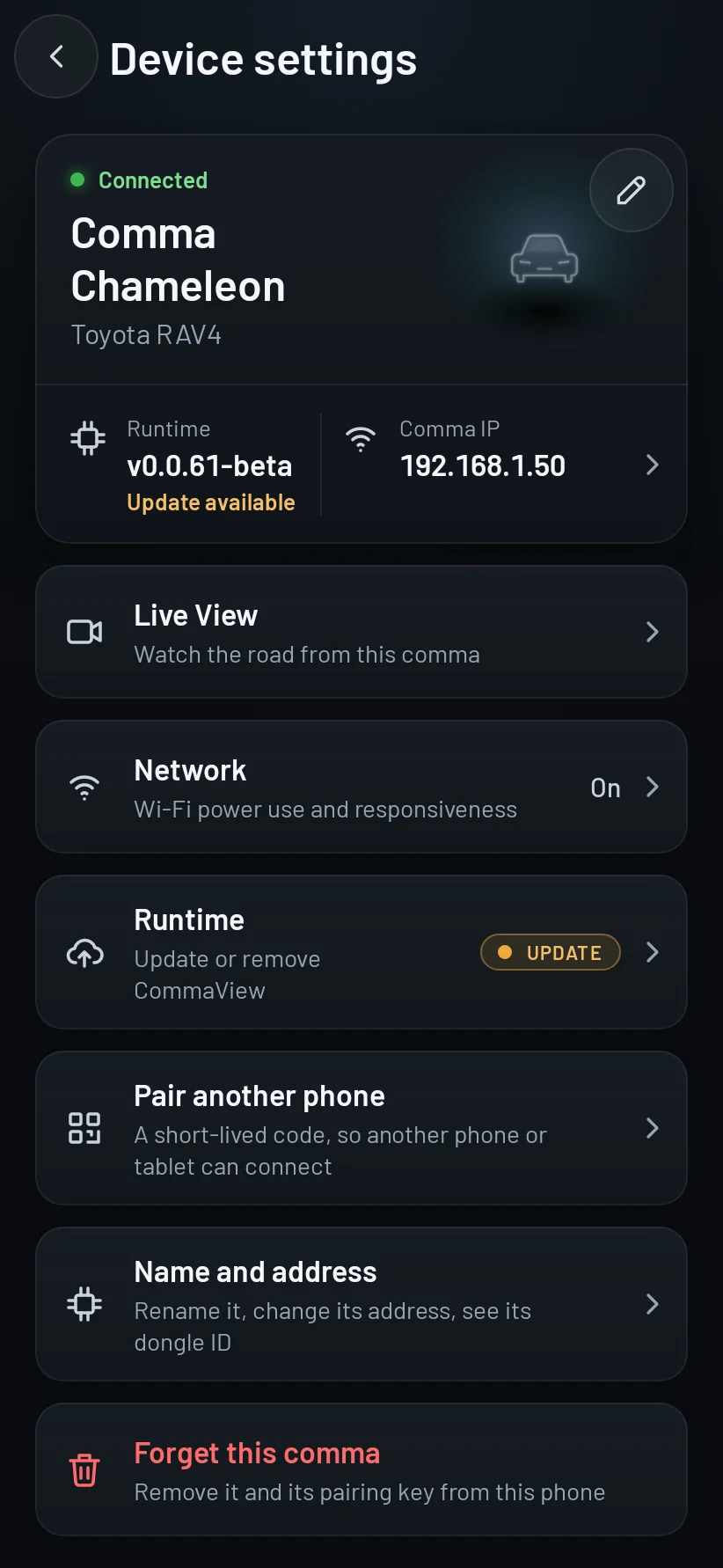
Device settings now says the runtime was removed. To take the comma off your phone too, tap Forget this comma at the end of Device settings: CommaView stops showing this comma and deletes its pairing key. To remove the app itself, uninstall CommaView from Android’s settings as you would any app.
-
Forget this comma.
-
How you know it worked
The dialog says Runtime uninstalled, and Device settings shows the runtime Removed: “CommaView was uninstalled from your comma. Run guided setup to install it again.”
What uninstall puts back
- On a listed fork, it reverts the small hook CommaView adds to the fork’s on-screen UI.
- On a fork CommaView doesn’t list (best effort), it puts the fork’s files back as they were.
- Video only changed nothing in the fork’s files, and uninstall removes the runtime.
On SunnyPilot-TeslaHW1, uninstall the runtime before op fork update, which can’t move the fork while CommaView’s hook is installed. Check your comma and fork are supported has more.
Setting CommaView up again
After an uninstall, the comma stays saved on your phone. Run guided setup to install it again as a fresh install.
If it doesn’t work
“Uninstall failed due to SSH permission error”
The comma didn’t let this phone in over SSH. Check SSH is on under Settings → Device → SSH on the comma and its GitHub username has this phone’s key, then tap Uninstall again.
“The comma couldn’t uninstall CommaView, so it left it as it was”
Nothing was removed. Try again with the car in Park.
“Uninstall queued until the car is in Park”
The car is being driven. Put it in Park with openpilot disengaged, keep it on, and the comma removes CommaView by itself.
The Uninstall button is greyed out
CommaView is already updating or uninstalling a runtime. Try again when it has finished.
Did this guide get you there?
Tell us what’s missing