
All guides · Troubleshooting
Guide · Troubleshooting
Send a support bundle
A support bundle is a small zip of what the CommaView app saw on your phone, and what its runtime saw on your comma. It lets us find a problem without being in your car. It holds logs only: no video, no location.
Before you start
- Diagnostics on
Keep diagnostics on this phone, on unless someone turned it off. Check it before the problem happens again.
- Connected to your comma
For your comma’s logs, Home shows your comma Connected when you send.
- Signed in to send
Sending needs your beta account. Signed out, Save as a file still works.
How it works
Your phone
Keeps its logs and counters from your last 10 drives.
Your comma
Adds its runtime’s logs when you tap Send, with location, VIN, IDs, Wi‑Fi names and tokens removed.
CommaView’s team
Reads it in private storage, and replies by email.
Steps
Tick each step off as you go. The first time, do it parked.
-
Step 1 of 7: Open Support & diagnostics
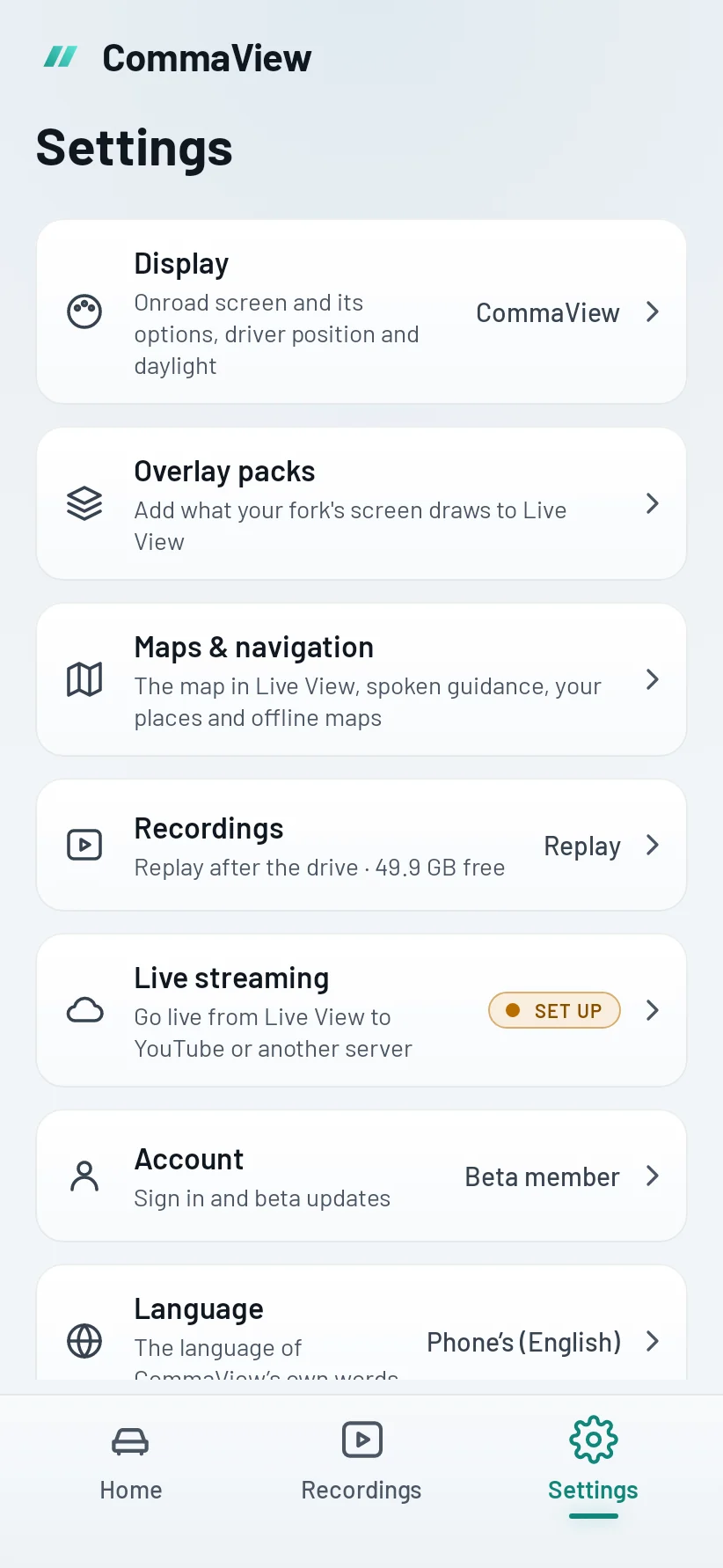
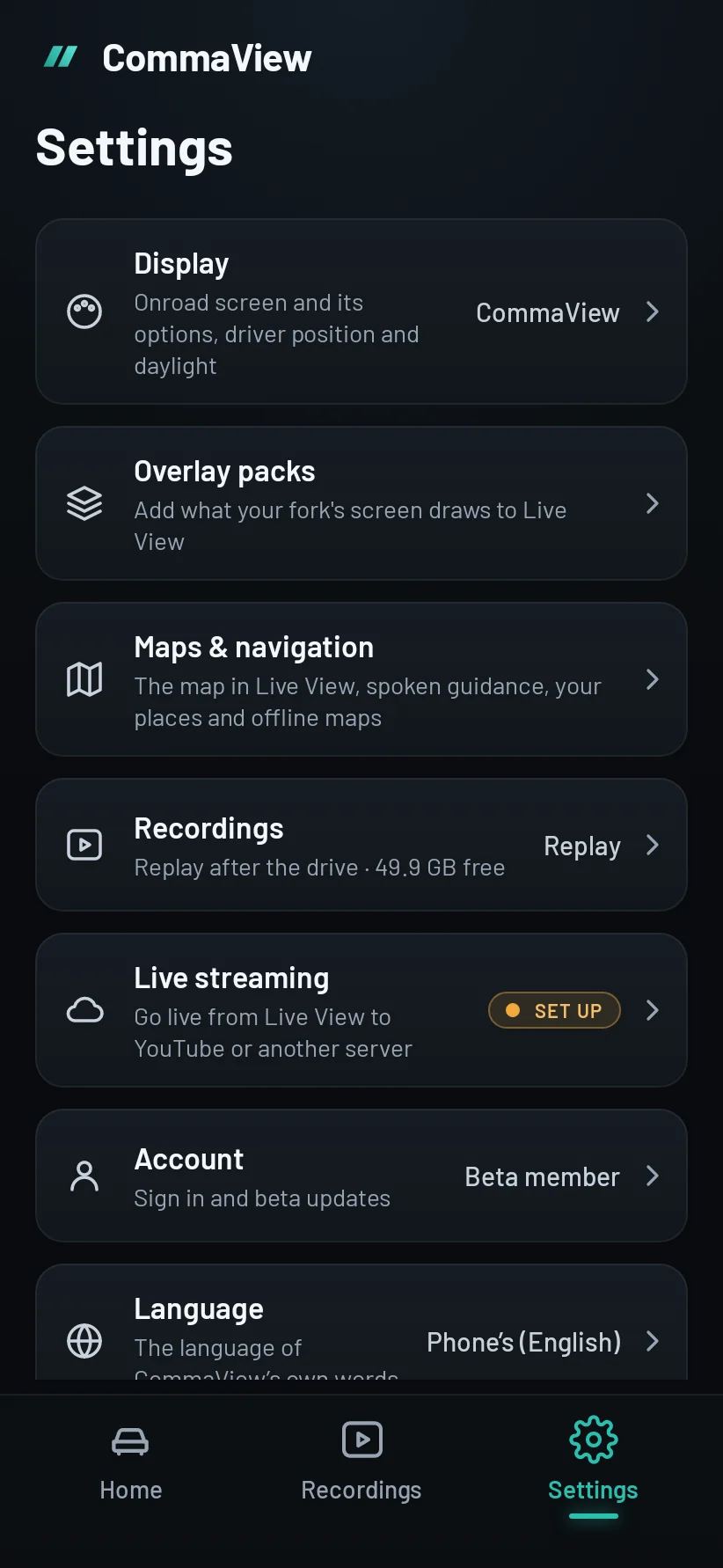
In CommaView, tap Settings in the bar at the bottom. On a tablet or head unit it’s in the rail at the side. Tap Support & diagnostics, near the end, before About.
-
Support & diagnostics.
-
-
Step 2 of 7: Keep diagnostics on this phone
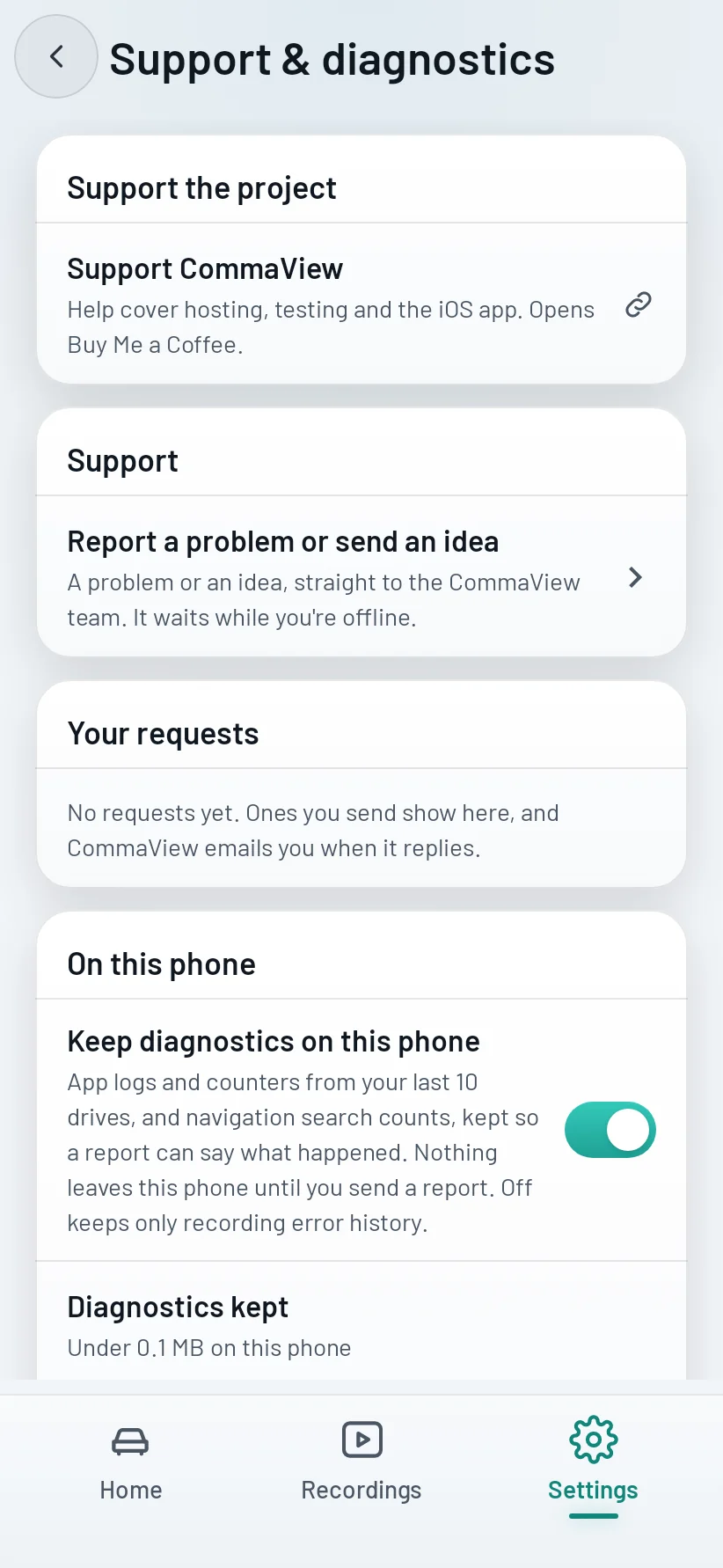
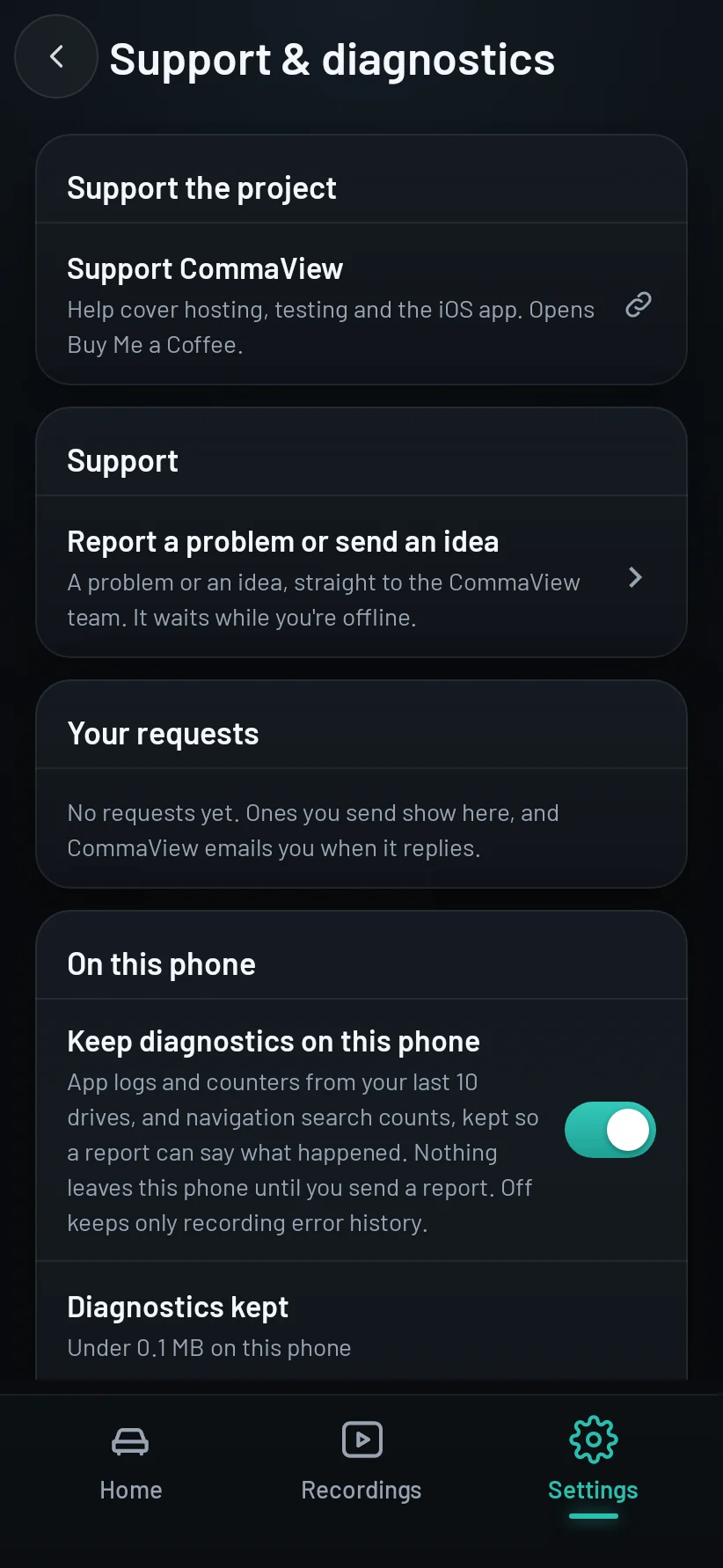
Keep diagnostics on this phone is on unless someone turned it off: the app keeps its logs and counters from your last 10 drives, so a report can say what happened. If it’s off, turn it on, then make the problem happen again.
-
Keep diagnostics on this phone.
Diagnostics stay on this phone until you send a report: they’re never uploaded automatically.
-
-
Step 3 of 7: Make it happen again, parked
Connect to your comma as usual: your phone on the comma’s Wi‑Fi or hotspot, and Home showing your comma Connected. Do what went wrong; for example, open Live View, switch to the onroad screen that misbehaves, and leave it there for 10 to 20 seconds. Note roughly when it happened and what you did. A screen recording helps too.
Make it happen in Park. If it only happens on the road, let it happen and send the report once you’ve parked: the record waits for you. Never tap through the app while driving.
-
Step 4 of 7: Open Send to CommaView
On Support & diagnostics, tap Report a problem or send an idea.
Or start from the problem: where the app shows a failure, tap its Report; for a recording, choose Send to CommaView… in its Recording actions. Each opens the same sheet, with what’s relevant filled in.
-
Report a problem or send an idea.
-
-
Step 5 of 7: Choose what goes, and send
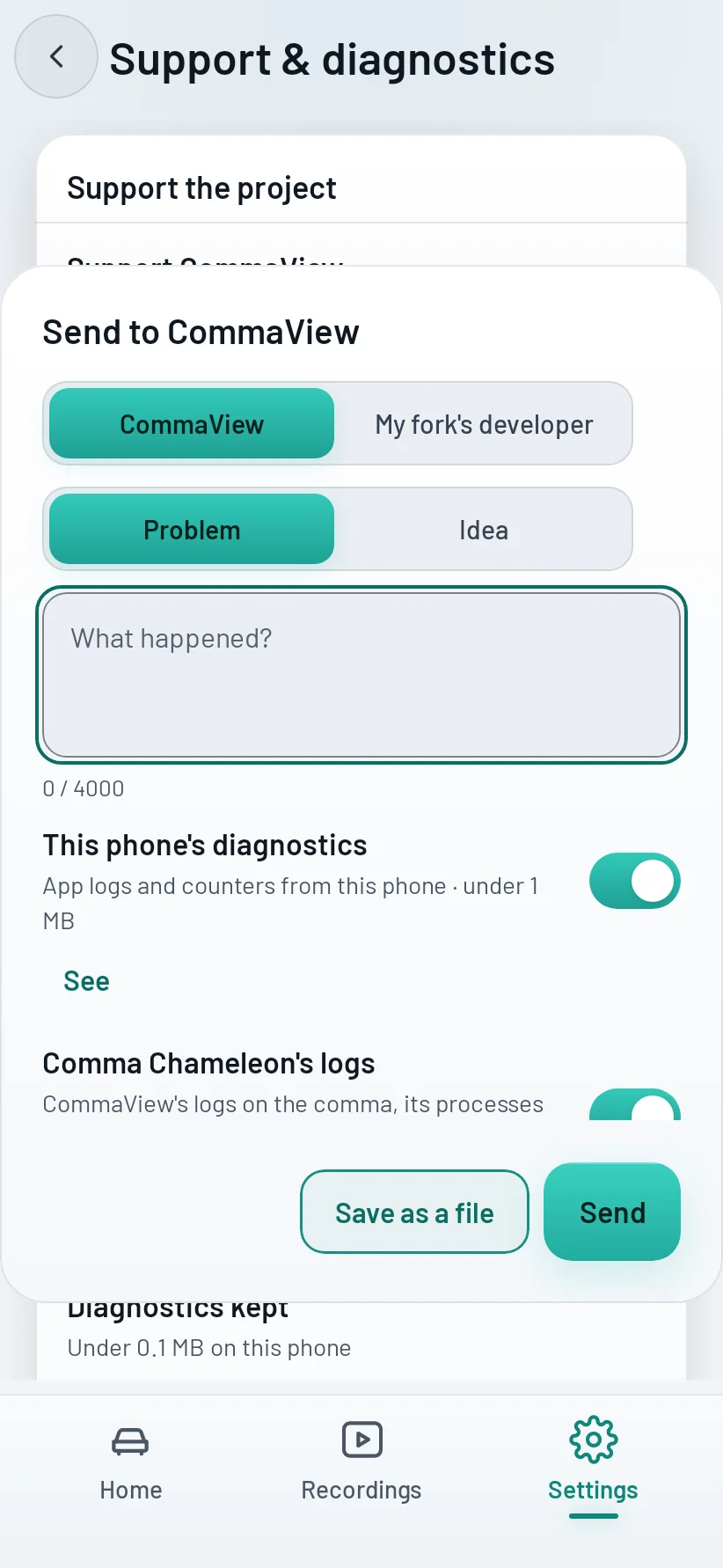
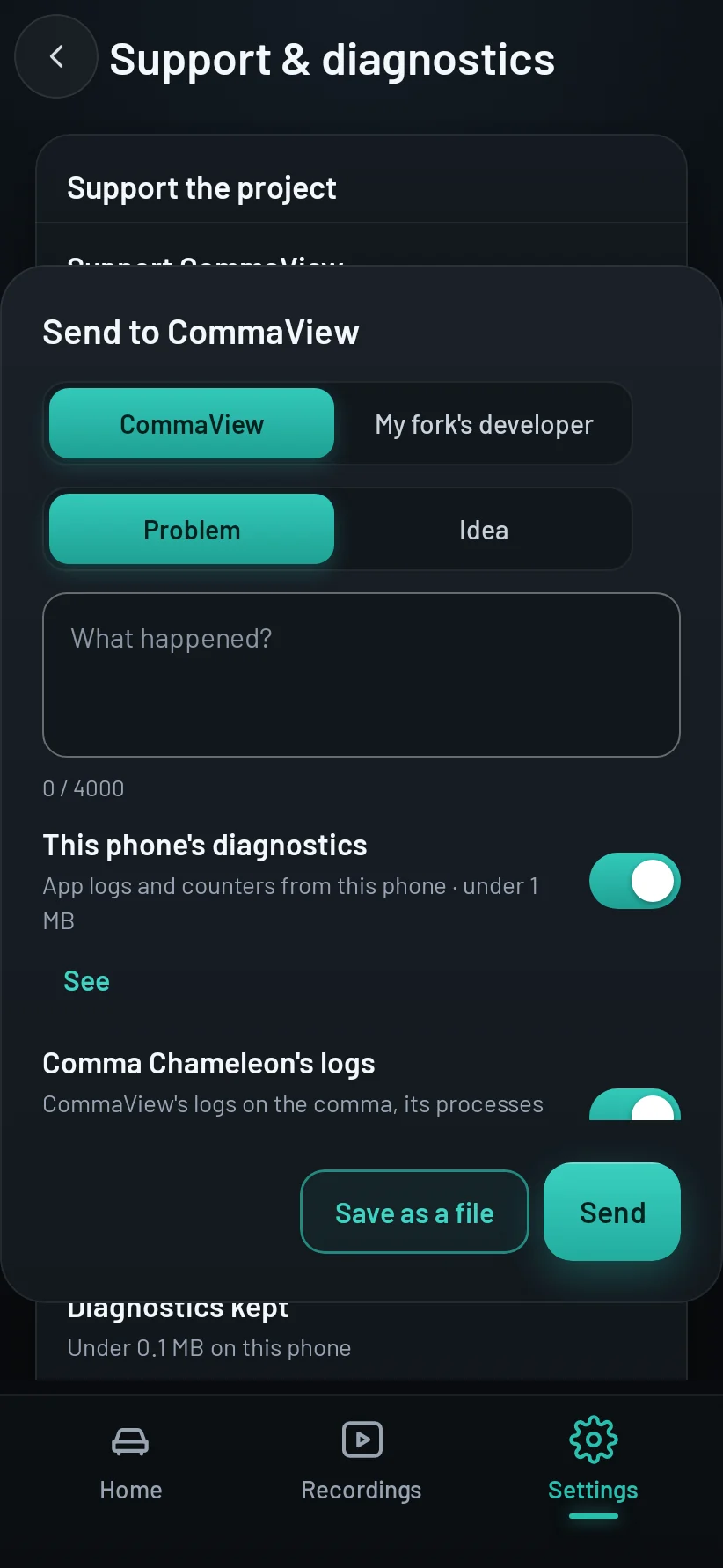
Choose Problem and say what happened. Under Attached, leave This phone’s diagnostics and your comma’s logs on. See shows exactly what each one holds. Under the rows, the sheet lists what goes with every report: the app version, your phone’s model and Android version, and your comma’s driving software and setup.
Tap Send: “Sending. It goes in the background and waits for a connection.”
-
Problem or Idea.
-
Attached: each row has a switch and See.
-
Send.
Send while the app is connected to your comma: it asks the comma for its logs when you tap Send. If the comma is off or out of reach, the bundle says why and still holds the app’s own logs.
-
-
Step 6 of 7: Or save it as a file
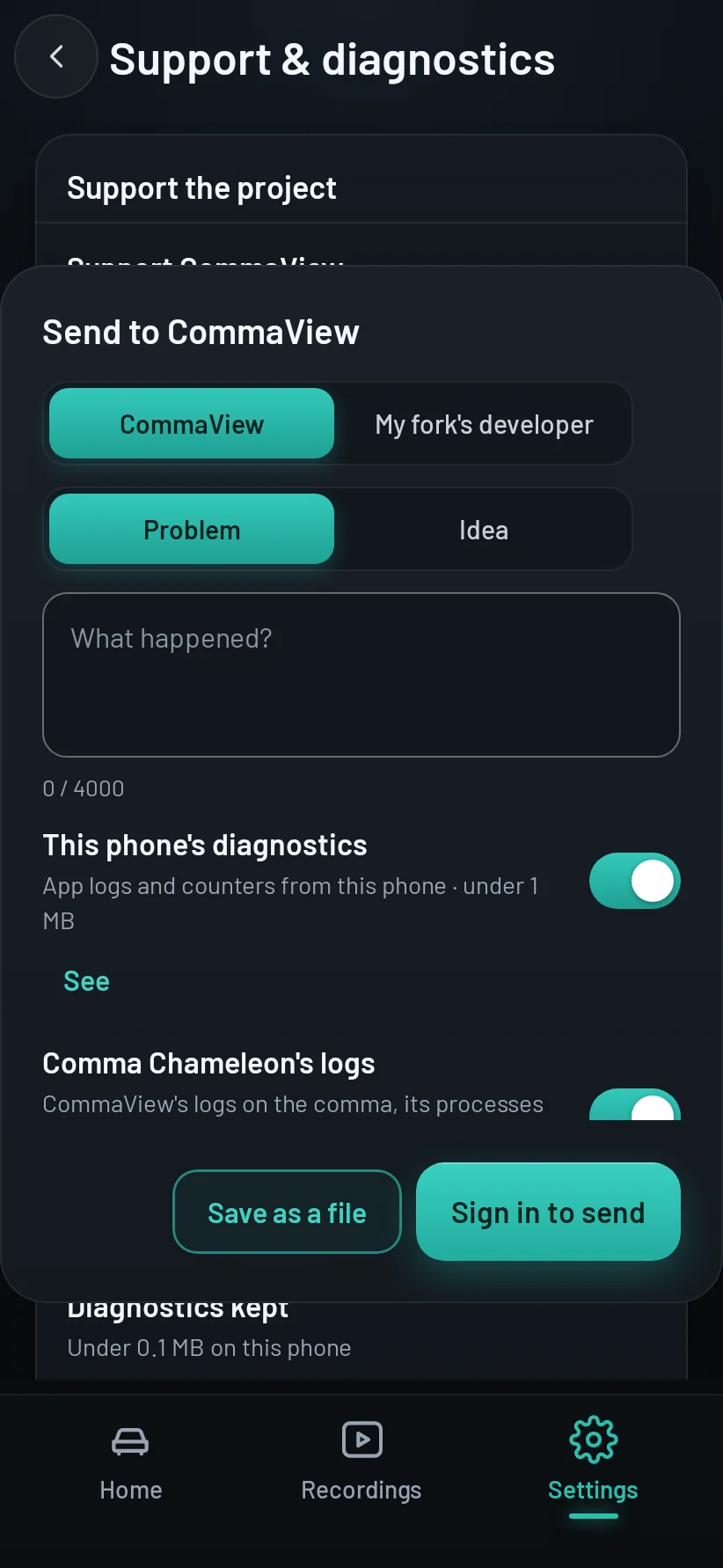
Support asked for the file itself, or you’re not signed in? Tap Save as a file instead of Send. The app builds the same bundle, a small
.zip, and opens Android’s share sheet. Send it wherever support asked for it: a direct message on Discord, an email, or a cloud drive link.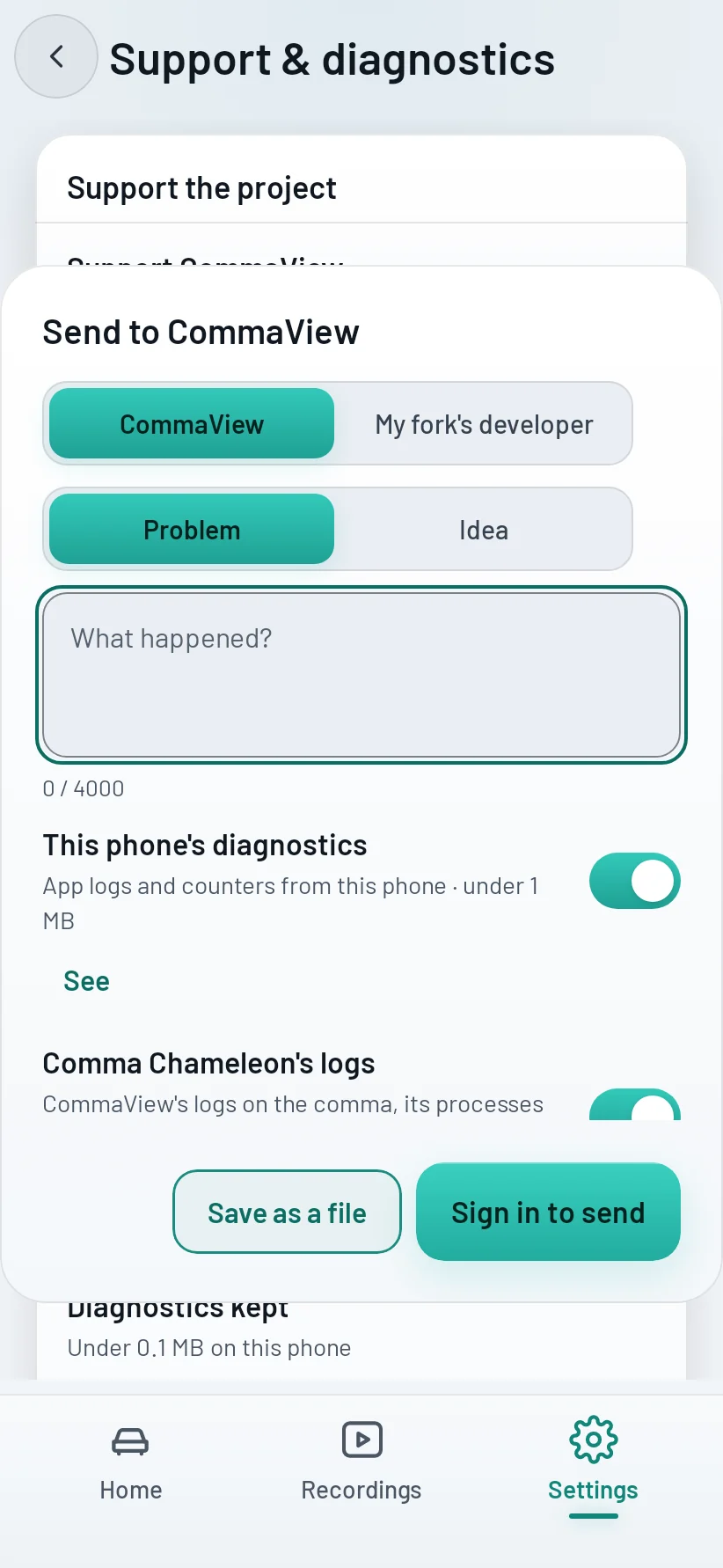
-
Save as a file.
-
-
Step 7 of 7: Read our reply
When we answer, the reply comes by email, and it’s on Your feedback at my.commaview.com with your report. Answer us there until we close it; you can reopen it for 30 days after. Your requests, on Support & diagnostics, lists them too.
-
Your requests: replies and your conversations with CommaView.
-
How you know it worked
The sheet closes with “Sending. It goes in the background and waits for a connection.”, and the report shows under Your requests once it’s sent.
What’s in a support bundle
- This phone’s diagnostics. CommaView’s diagnostic logs and counters from this phone: the video stream, drawing, connection and recording errors, with the app version and the phone’s model and Android version. With Navigation, also how many place searches of each kind worked or failed, never what you searched for.
- Your comma’s logs. With your comma’s row on: the CommaView runtime’s logs, counters and settings, which openpilot processes stopped and why, and out-of-memory lines from the comma’s kernel.
- Never in a bundle. No video, no GPS location, no VIN and no raw drive telemetry: a recording you send goes beside the bundle, not in it. An up-to-date comma runtime removes GPS coordinates, VINs, Wi‑Fi names, public IP addresses, tokens and the full dongle ID before it sends its logs.
- Only when you send. A bundle leaves your phone only when you tap Send or Save as a file. A file you save goes only where you send it. Local IP addresses, session IDs and version details can remain, so share a bundle only with people you trust.
Where it goes, and for how long
A bundle you send goes to CommaView’s private storage, where only the CommaView team opens it. It’s deleted 180 days after you send it, or sooner, at once, when you ask us to or delete your account (Privacy). To ask, email support@commaview.com.
To remove what the app keeps on this phone, tap Clear local diagnostic data on Support & diagnostics. It never deletes your recordings. To keep only the history of recording errors from then on, turn off Keep diagnostics on this phone on the same page.
Not sure where to send it? Ask in the CommaView Discord.
If it doesn’t work
The bundle has no comma logs
The app couldn’t reach your comma when you tapped Send, or its row under Attached was off. Check Home shows your comma Connected before you open Send to CommaView, and leave your comma’s row on. If the app asks you to pair your comma again, pair it first, then send again.
Send reads Sign in to send
You’re signed out. Tap it to sign in with your beta account, or use Save as a file.
“The attachments come to more than the 25 MB a report can carry. Turn one off, or use Save as a file.”
Turn off an attachment you don’t need, or tap Save as a file and send the file where support asks.
Nothing happens when I tap Save as a file
Android has no app on this device that can take a file. That’s common on head units. Send it to CommaView instead, or save it from a phone running CommaView.
“Couldn’t prepare the report. Check local storage and try again.”
The app couldn’t write the bundle, usually because the device is short of storage. Free some space and try again.
Did this guide get you there?
Tell us what’s missing