
All guides · Troubleshooting
Guide · Troubleshooting
Fix a setup that stops
Setup goes in order: it signs in to your comma over SSH, installs CommaView’s runtime, then pairs your phone with it. When it stops, its message says which part failed, so fix that part first. SSH working only proves the first: a pair code can’t work while the runtime never started.
Before you start
- In Park
The car in Park with openpilot disengaged, and on: without a power harness, switching it off switches the comma off too.
- One network
Your phone on the same Wi‑Fi as the comma, or on its hotspot. A laptop reaching the comma doesn’t prove your phone can.
Steps
Tick each step off as you go. The first time, do it parked.
-
Step 1 of 5: Read what setup says, and copy the details
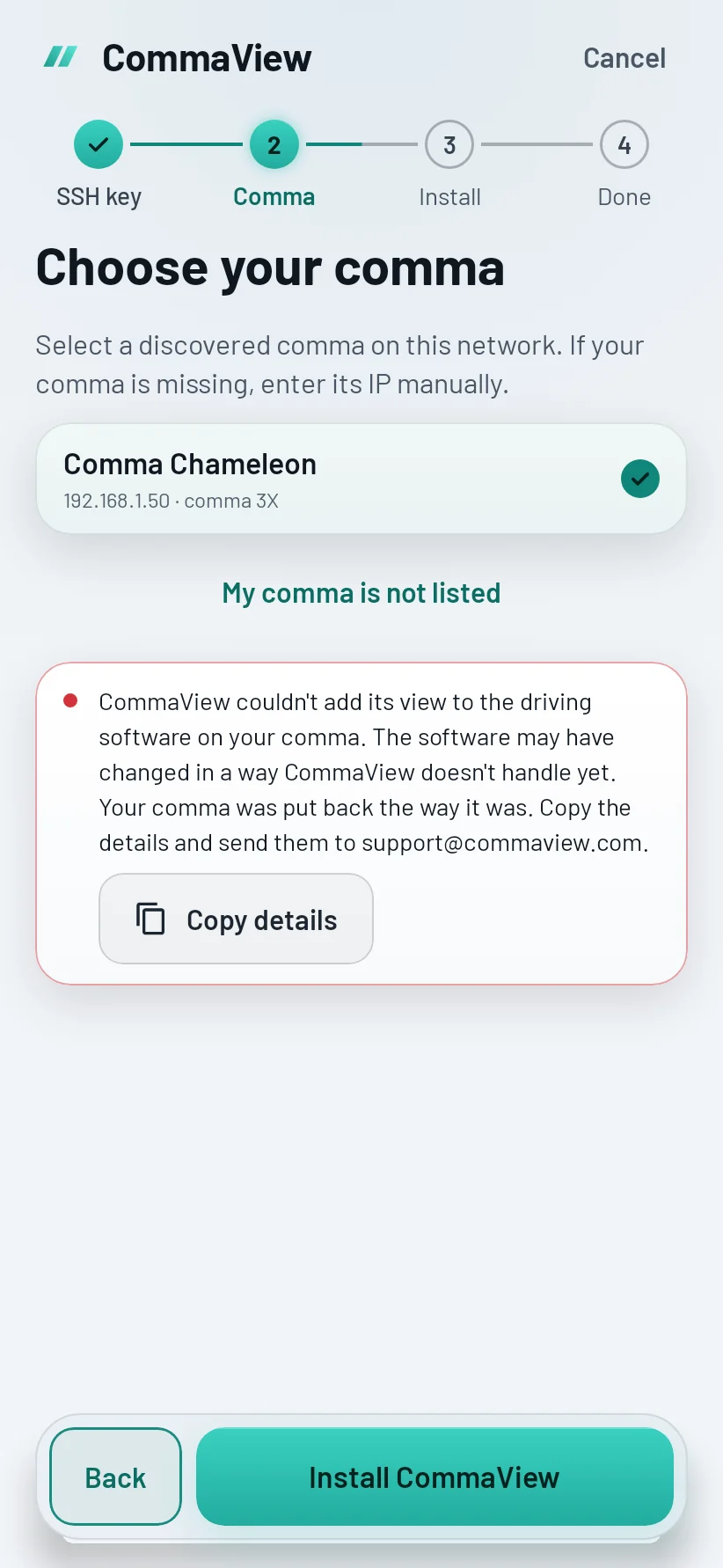
When the install fails, setup says what went wrong, whether your comma was put back the way it was, and what to do. Find that sentence under If it doesn’t work below.
Copy details copies the report support reads: the app’s version, the release, the installer’s last stage and its whole output. Paste it into an email to support@commaview.com when the message says to.
The install failed
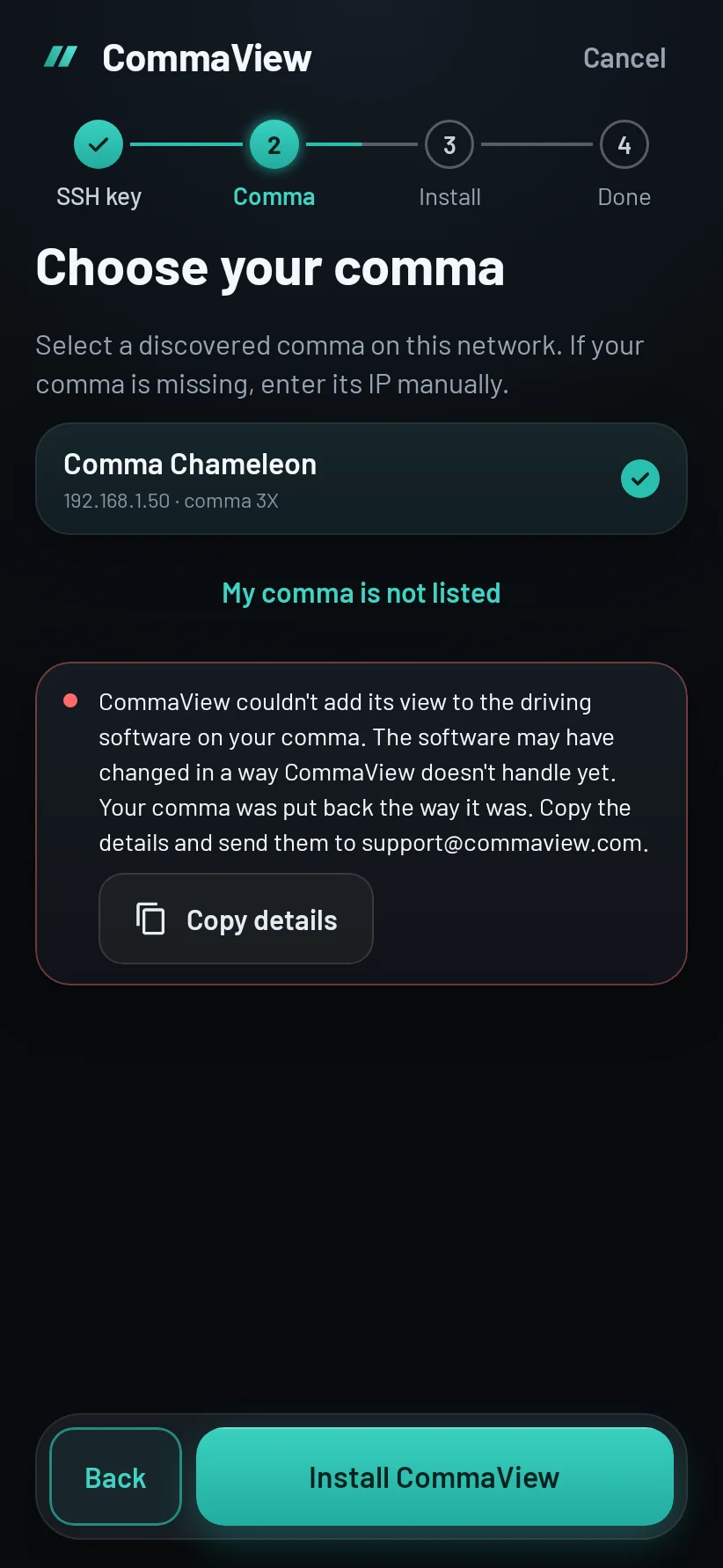
Setup says what failed and offers Copy details.
-
Copy details.
-
Install CommaView tries again once you’ve fixed the cause.
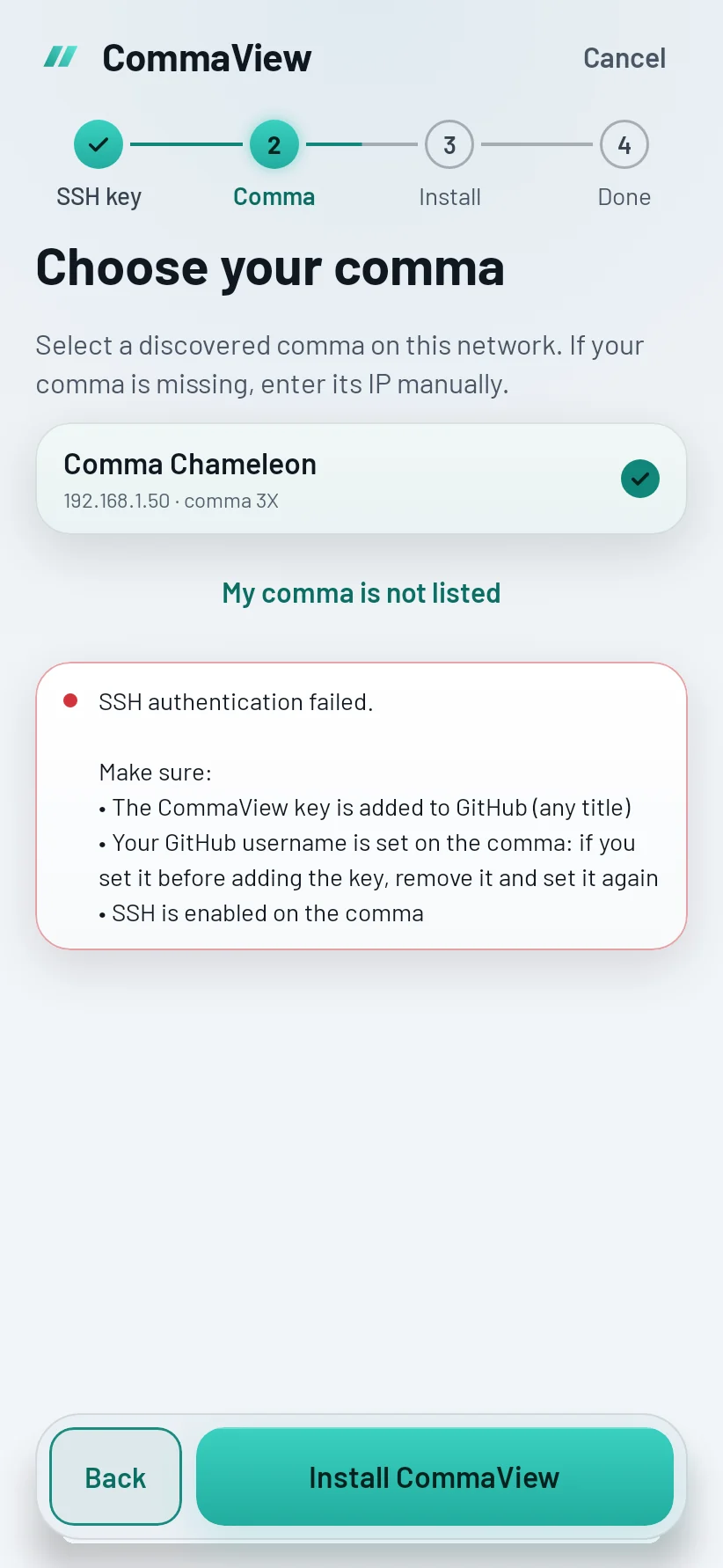
SSH failed
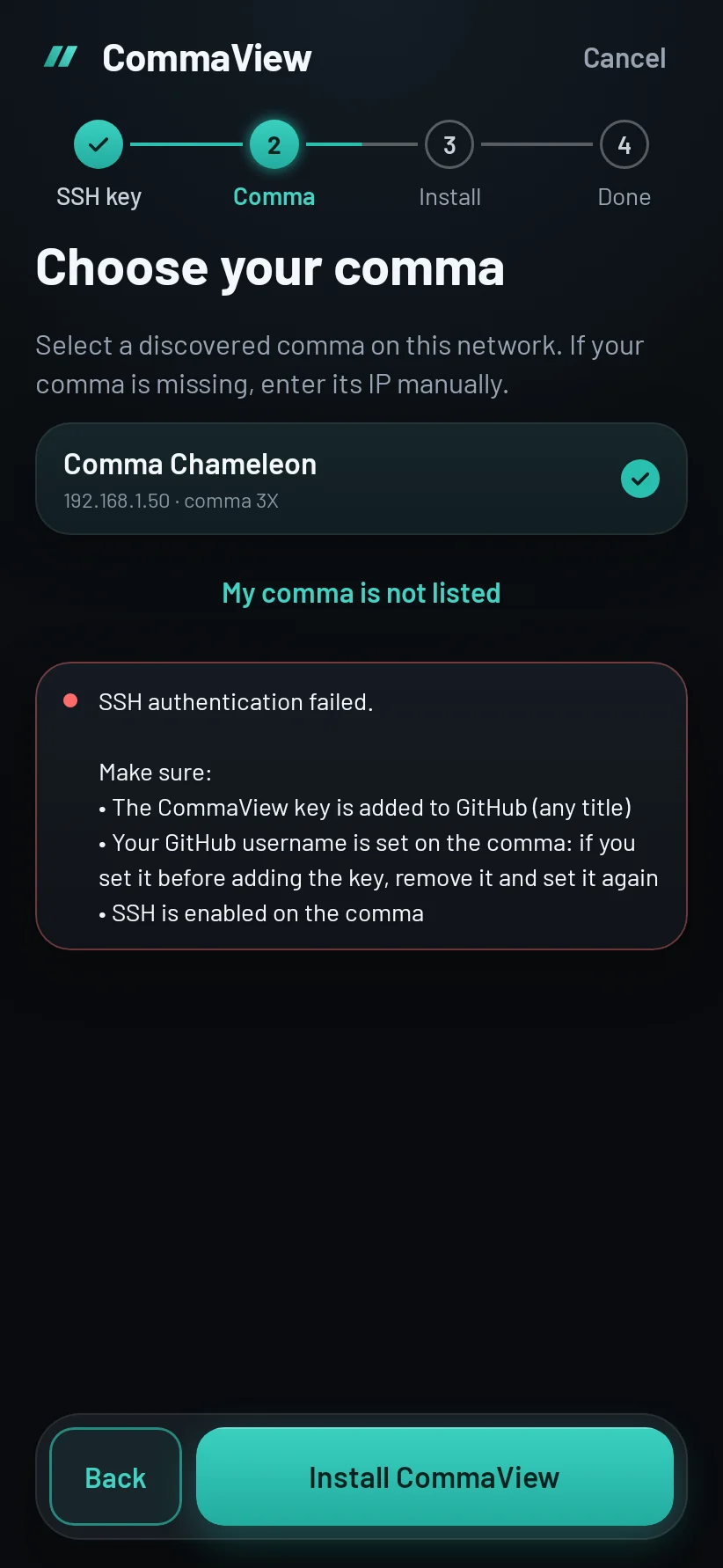
Before anything is installed, setup says why it couldn’t get onto the comma, such as SSH authentication failed, and what to check.
-
What went wrong, and what to check.
-
-
Step 2 of 5: Check the comma’s address
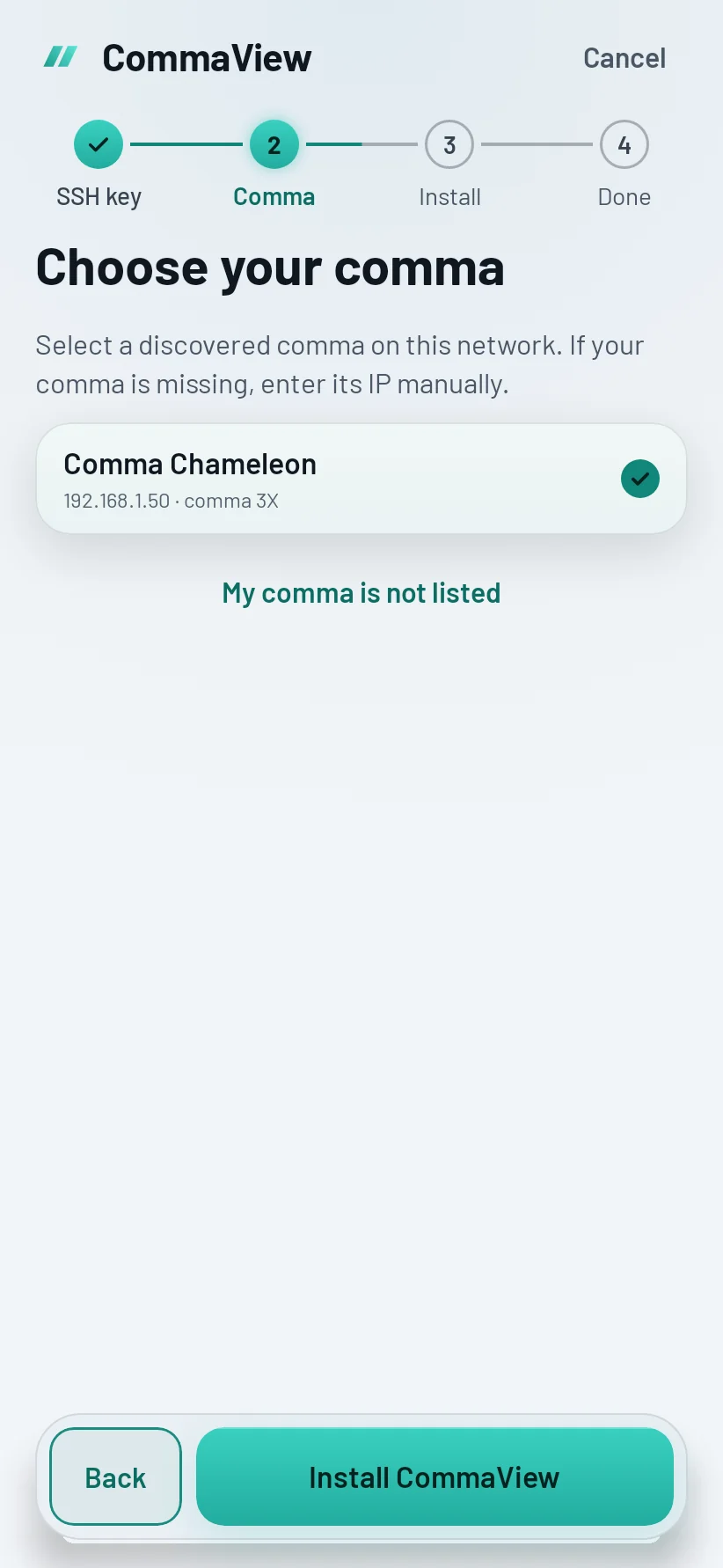
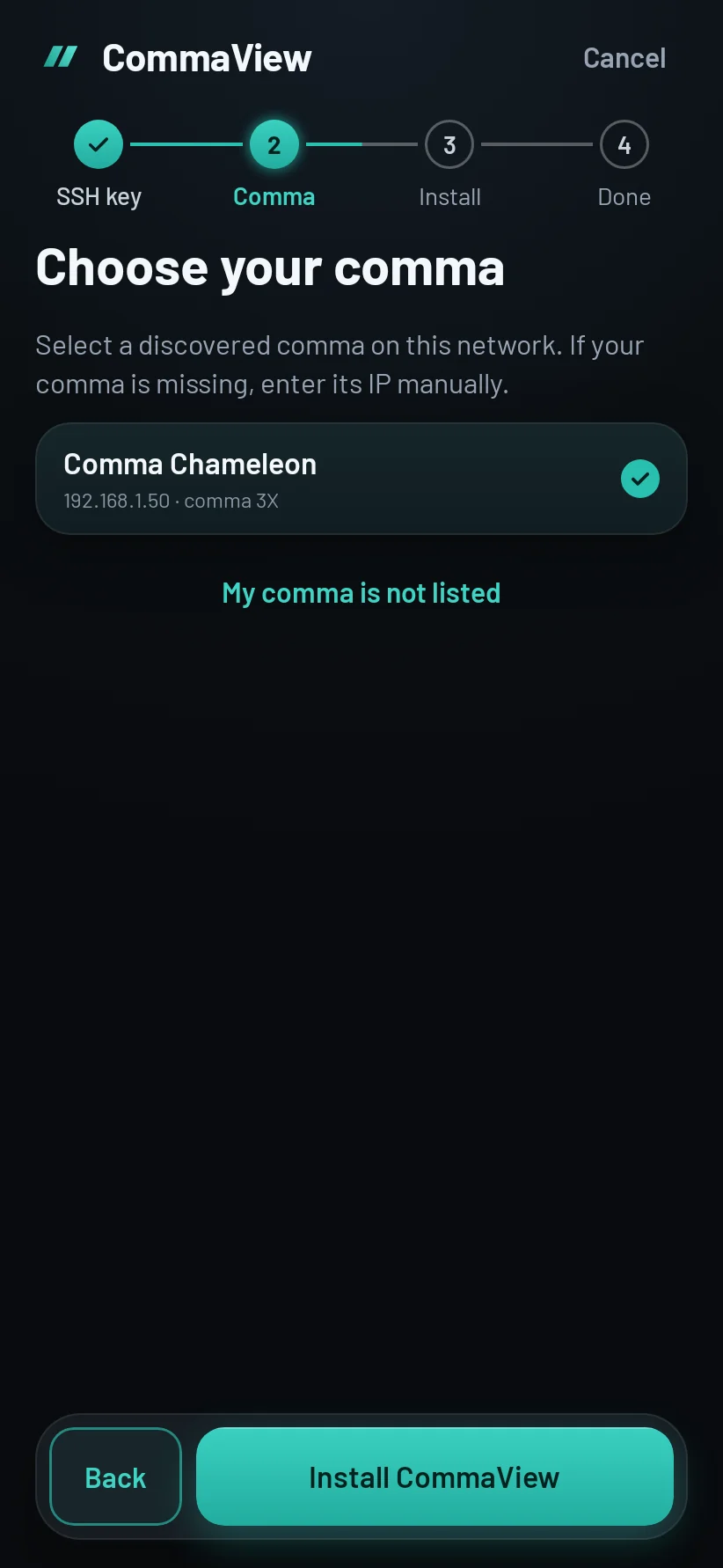
Setup looks for commas on your phone’s network. If yours isn’t listed, tap My comma is not listed and type its IP address. On your comma, it’s under Settings → Network: under the network’s name on the Wi‑Fi button on a comma four, or under Advanced on a comma 3X.
The comma has a different address on each network: your home Wi‑Fi, a hotspot, a VPN. Use the one for the network your phone is on now.
-
A comma setup found on this network.
-
My comma is not listed: type the IP address when it isn’t found.
-
-
Step 3 of 5: Pair with a fresh code
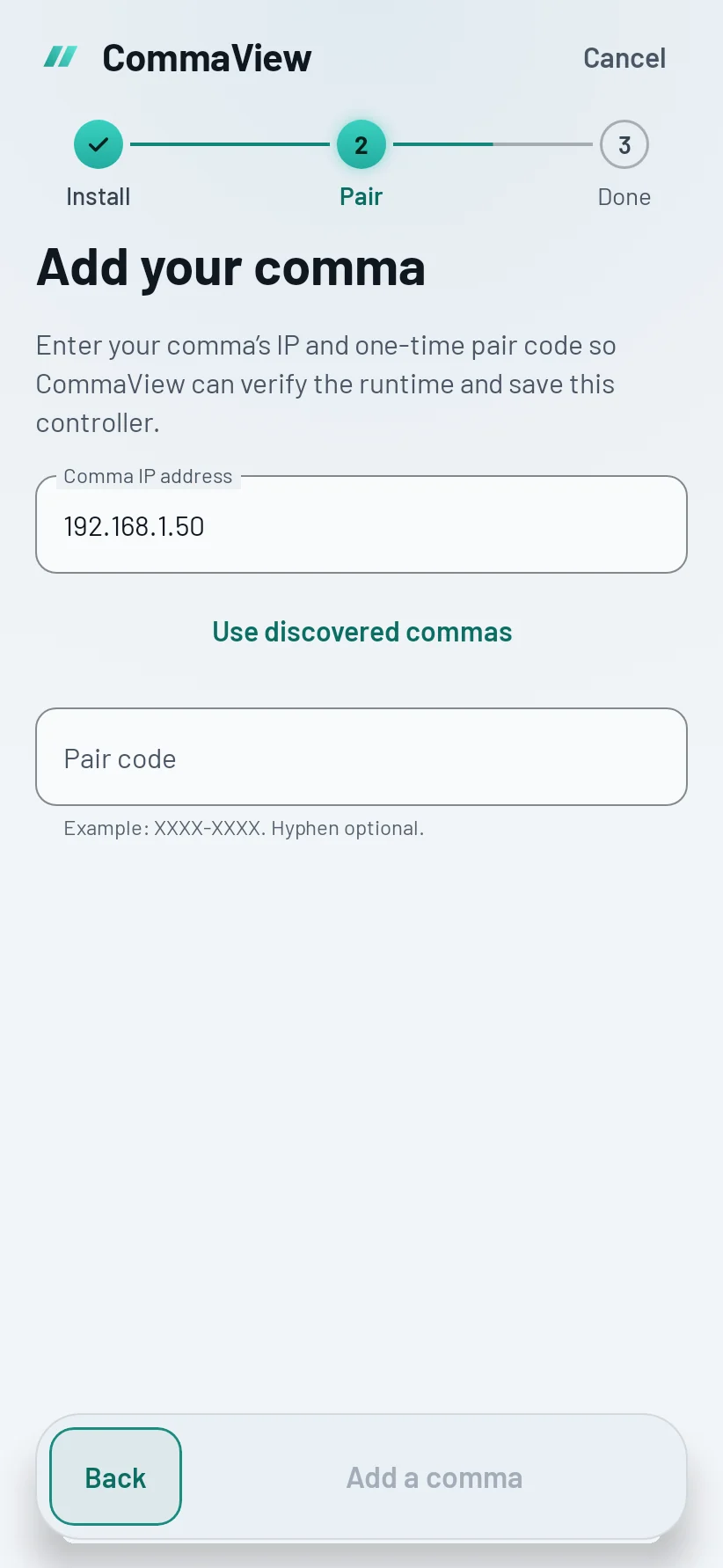
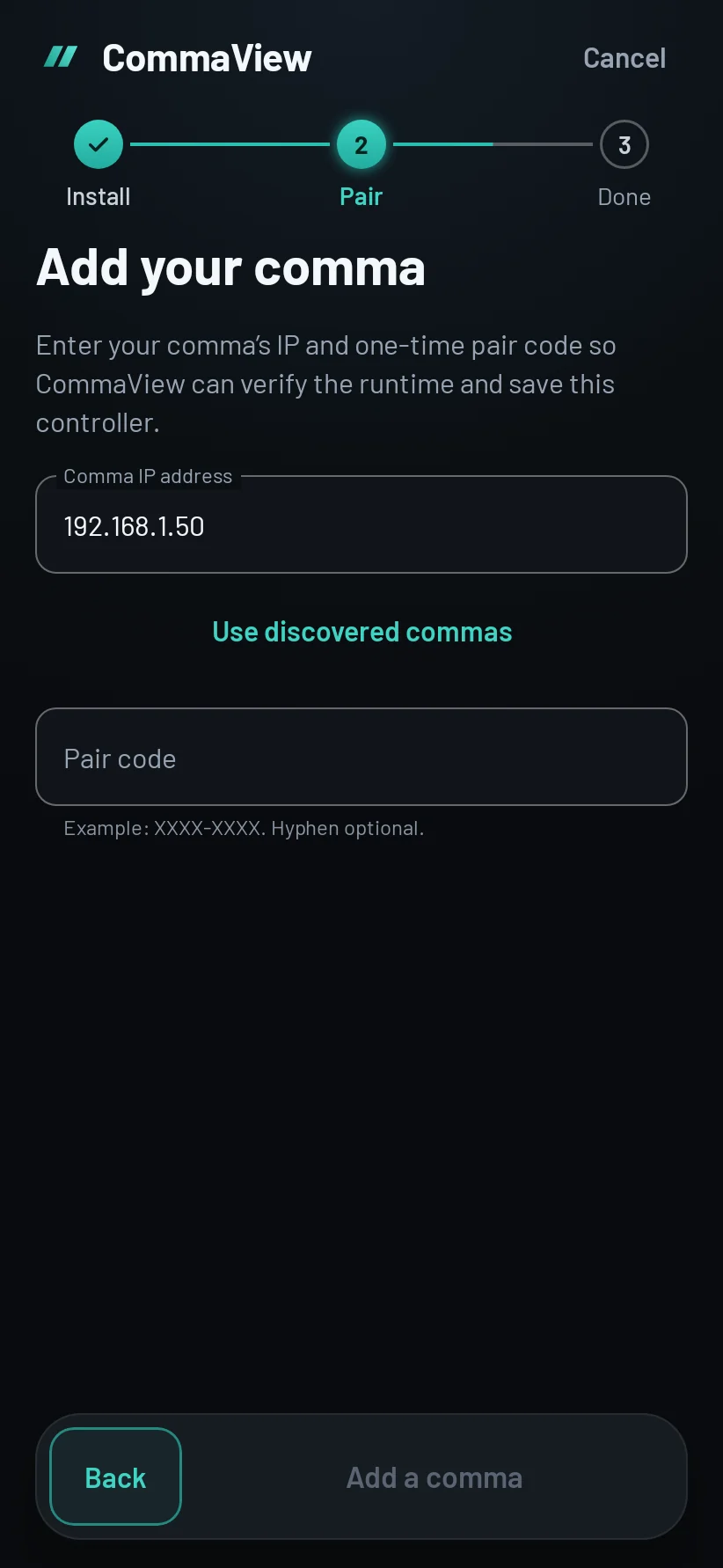
Pair codes are short-lived and work once. If one is refused, don’t type it again: get a fresh one. After a manual install, the installer shows one; a phone already paired with the comma shows one under Device settings › Pair another phone or tablet.
-
Comma IP address.
-
Pair code. Hyphen optional.
-
-
Step 4 of 5: Already installed? Pair instead
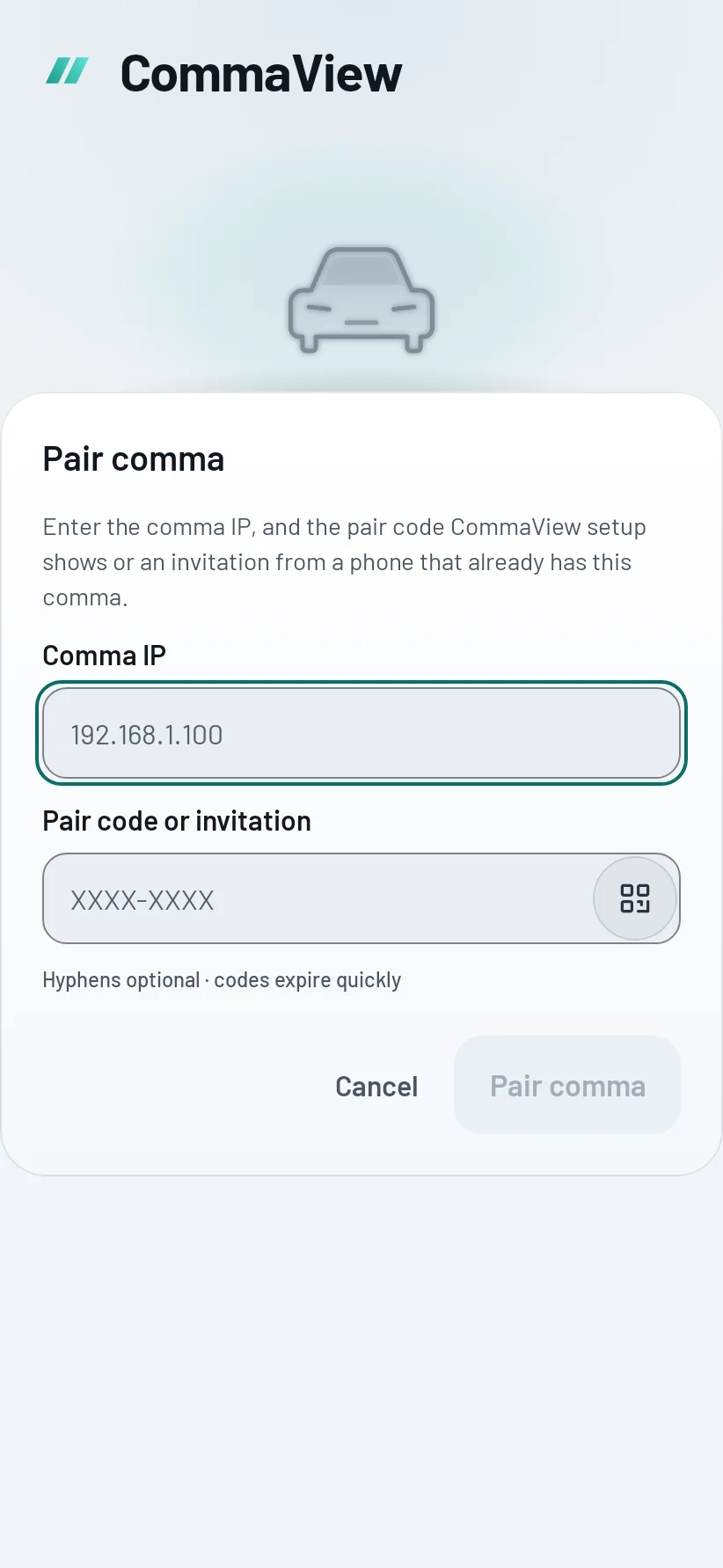
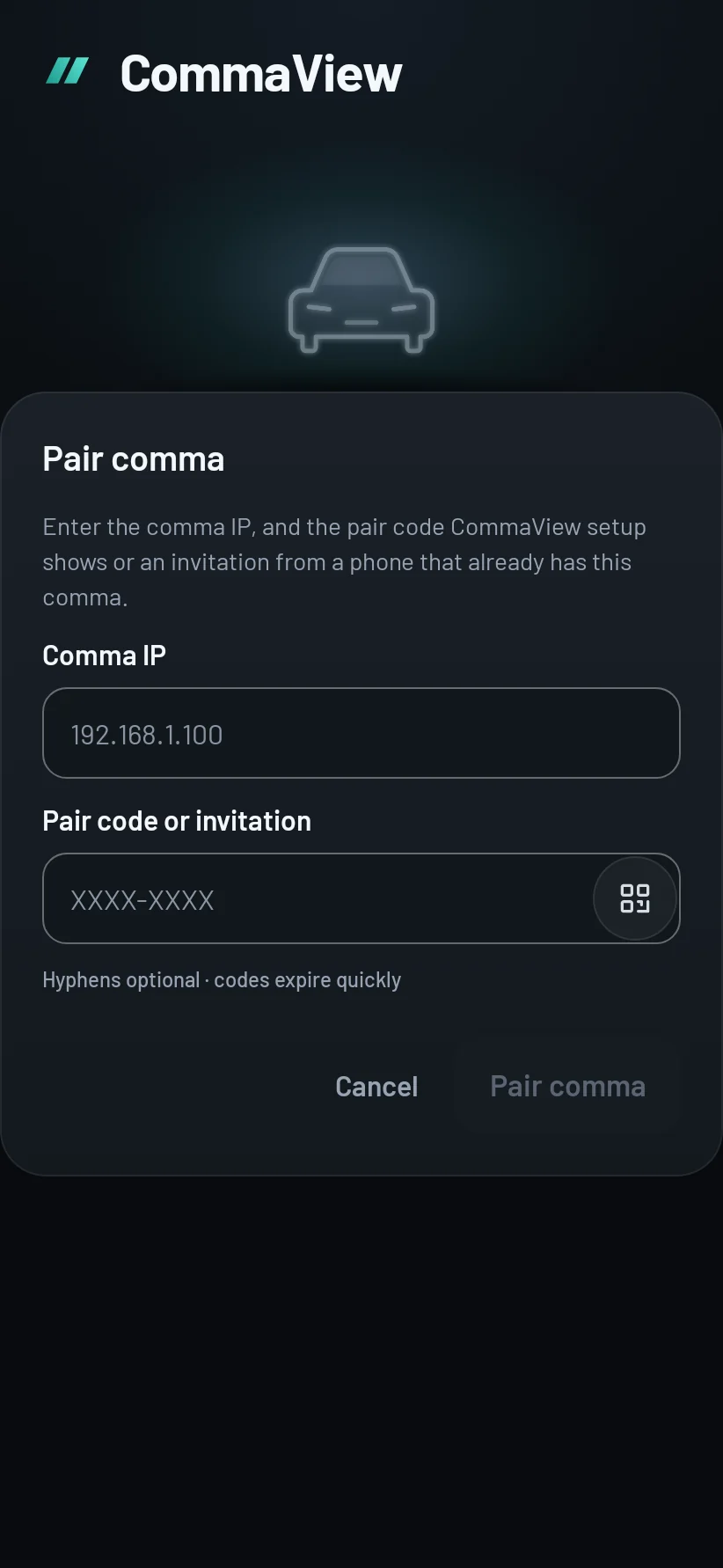
If the comma already runs CommaView, from another phone or an earlier setup, you don’t need to install again. On Home, tap Add a comma, then Enter address and code, and pair with the comma’s IP and a pair code or an invitation.
-
The comma’s IP.
-
Pair code or invitation.
-
Pair comma.
-
-
Step 5 of 5: Installed and paired, but no video
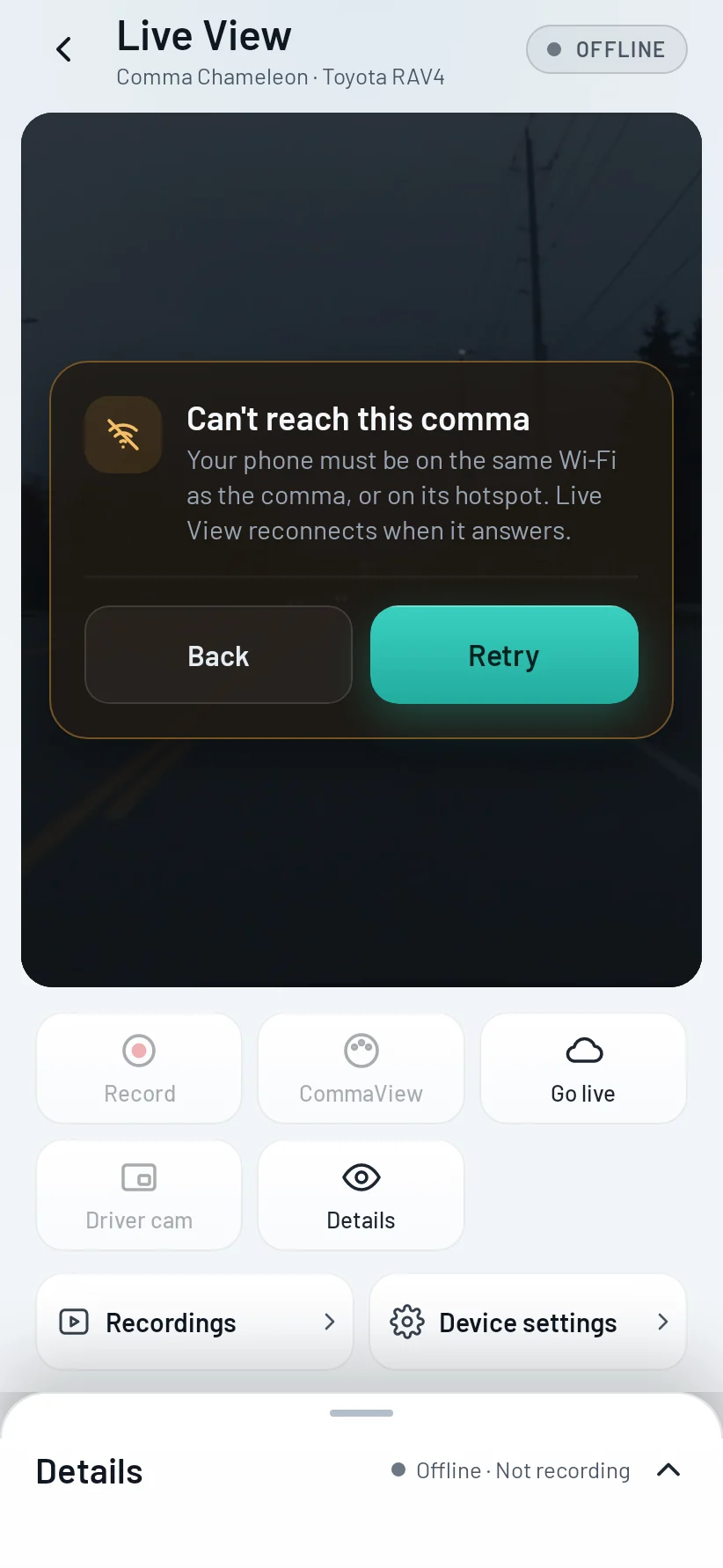
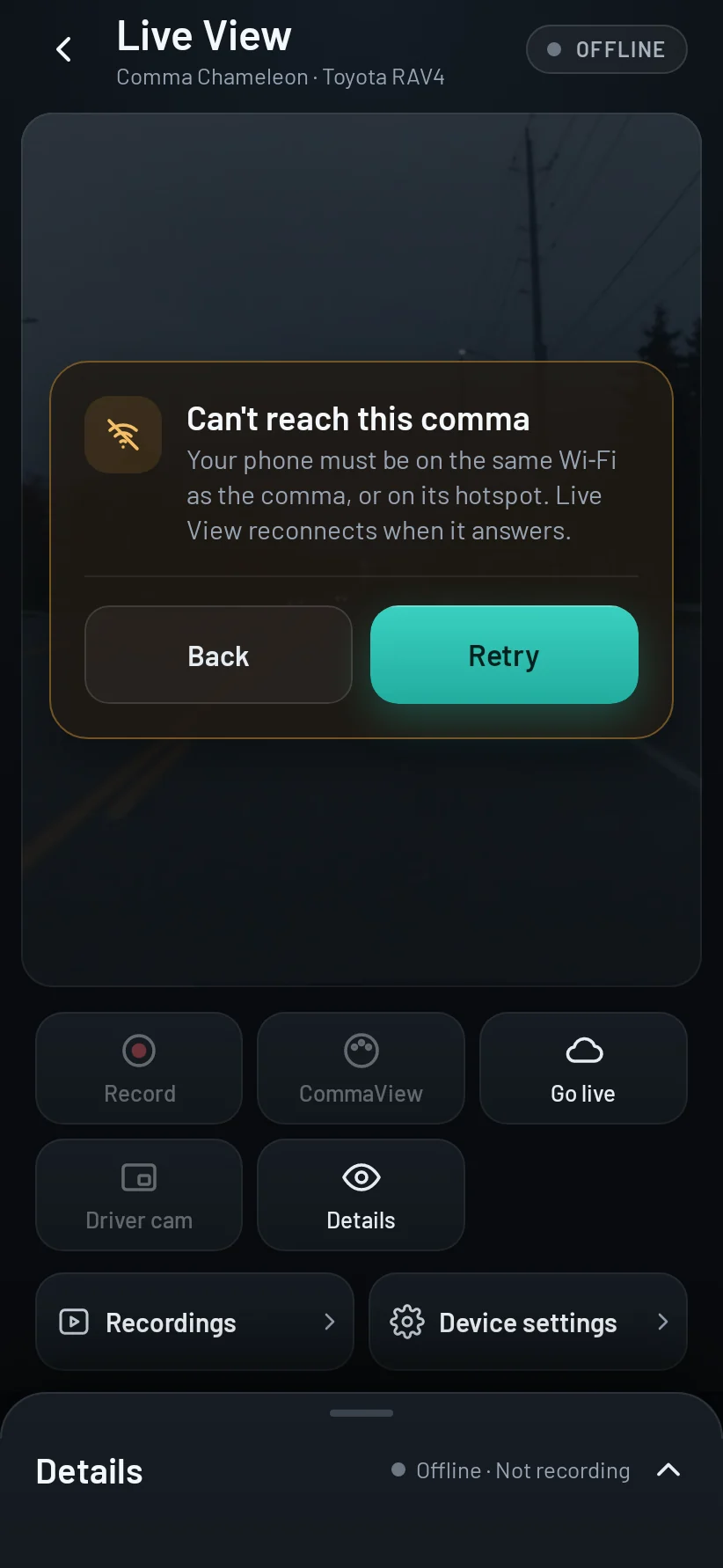
Past pairing, a missing picture is a streaming problem, not an SSH one. Live View says what it sees, such as Can’t reach this comma, and reconnects by itself when the comma answers. See CommaView can’t find your comma.
-
Retry.
-
The parts setup goes through
Each part needs the one before it, so check them in this order:
- SSH, port 22: how setup gets onto the comma to install. It needs your GitHub key, your GitHub username on the comma, and SSH on.
- The install: the comma downloads the runtime and installs it. Read its result before anything later.
- The runtime, port 5002 on the comma: setup checks it answers, then pairs with it.
- Pairing: a one-time pair code gives your phone a key of its own for the comma.
- Video, ports 8200 to 8202: Live View’s cameras.
If discovery doesn’t find the comma but you know its address, typing it works just as well: discovery is a convenience, and reaching the comma is what matters.
Safety
Do setup, installs and troubleshooting with the car in Park and openpilot disengaged. Never set up or tap through the app while driving.
If it doesn’t work
“SSH authentication failed.”
Check the CommaView key is on GitHub (any title), and SSH is on on the comma. If you entered your GitHub username on the comma before adding the key, remove it and enter it again, so the comma fetches your keys again.
“Connection refused at 192.168.1.50:22. Make sure SSH is enabled on your comma.”
On the comma, go to Settings → Device → SSH and turn on SSH.
“Connection timed out to …” or “No route to …”
Your phone can’t reach that address. Check your phone is on the same Wi‑Fi as the comma, or on its hotspot, that the comma is awake (the car on), and that the IP address is the comma’s address on this network.
“Could not find a comma at … Check the IP address.”
Nothing answered at that address. Check the IP on the comma’s Settings → Network.
“This comma’s SSH identity changed since it was last set up.”
If you reset or reflashed the comma, run setup again.
“CommaView couldn’t make its SSH key on this phone. Try again, or use your own SSH key.”
Tap Try again, or Use my own SSH key to import a key pair you already have on GitHub.
“Install queued.”
The car was being driven, so the comma queued the install instead of interrupting the drive. Put the car in Park with openpilot disengaged, leave it a minute or two with the car on, then tap Finish setup.
“The car is being driven, so the install didn’t run.”
Put the car in Park with openpilot disengaged, then try again.
“Another CommaView install, update or repair is already running on your comma.”
Wait a few minutes for it to finish, then try again.
“Your comma couldn’t download CommaView.”
The comma downloads the runtime itself. Check it’s connected to the internet, over Wi‑Fi or its own SIM, then try again. A phone hotspot with mobile data works.
“CommaView’s download reached your comma incomplete or damaged.”
Try again. If it happens again, copy the details and send them to support@commaview.com.
“Your comma ran out of storage space during the install.”
Try again later. If it happens again, copy the details and send them to support@commaview.com.
“CommaView doesn’t support the driving software on your comma yet.”
Your comma runs software CommaView can’t install on. Check which forks it works with. To ask for yours, copy the details and send them to support@commaview.com.
“CommaView can’t add its view to … safely”
Your fork is one CommaView doesn’t list, and its check found its screen differs where CommaView connects to it. Nothing on your comma was changed. To ask for your fork, copy the details and send them to support@commaview.com.
“comma 3 isn’t supported”
CommaView works with the comma 3X and comma four. The comma 3’s openpilot release is frozen upstream and draws its screen differently, so CommaView can’t show its overlay.
“CommaView didn’t start on your comma after the install.”
Restart your comma, then try again. If it happens again, copy the details and send them to support@commaview.com.
“Verify failed. Could not reach CommaView API at 192.168.1.50:5002.”
The install finished, but your phone can’t reach the runtime. Check your phone is still on the comma’s network, then try again. If SSH works from a computer but not this, the computer is on a network your phone isn’t.
“Pair code could not be redeemed. Generate a fresh code and try again.”
The code expired, was used already or was typed wrong. Get a fresh one (step 3).
“Pairing failed: CommaView runtime API was not reachable”
Your phone can’t reach the comma on that address. Check the hotspot or network, then try again.
“CommaView won’t start by itself after a reboot”
CommaView is installed, but nothing starts it when your comma boots: your comma’s /data/continue.sh has no exec ./launch_openpilot.sh line. Once it has one, install CommaView again.
Did this guide get you there?
Tell us what’s missing