
Guides
How can we help?
Step-by-step guides for setting up and using CommaView, with a picture of every step. News and the thinking behind it live on the blog.
Set up CommaView
Install the CommaView app on Android, get your comma 3X or comma four ready, and let guided setup install the runtime and pair your comma.
- Get the app and sign in
- Start setting up your comma
- Pick a setup path
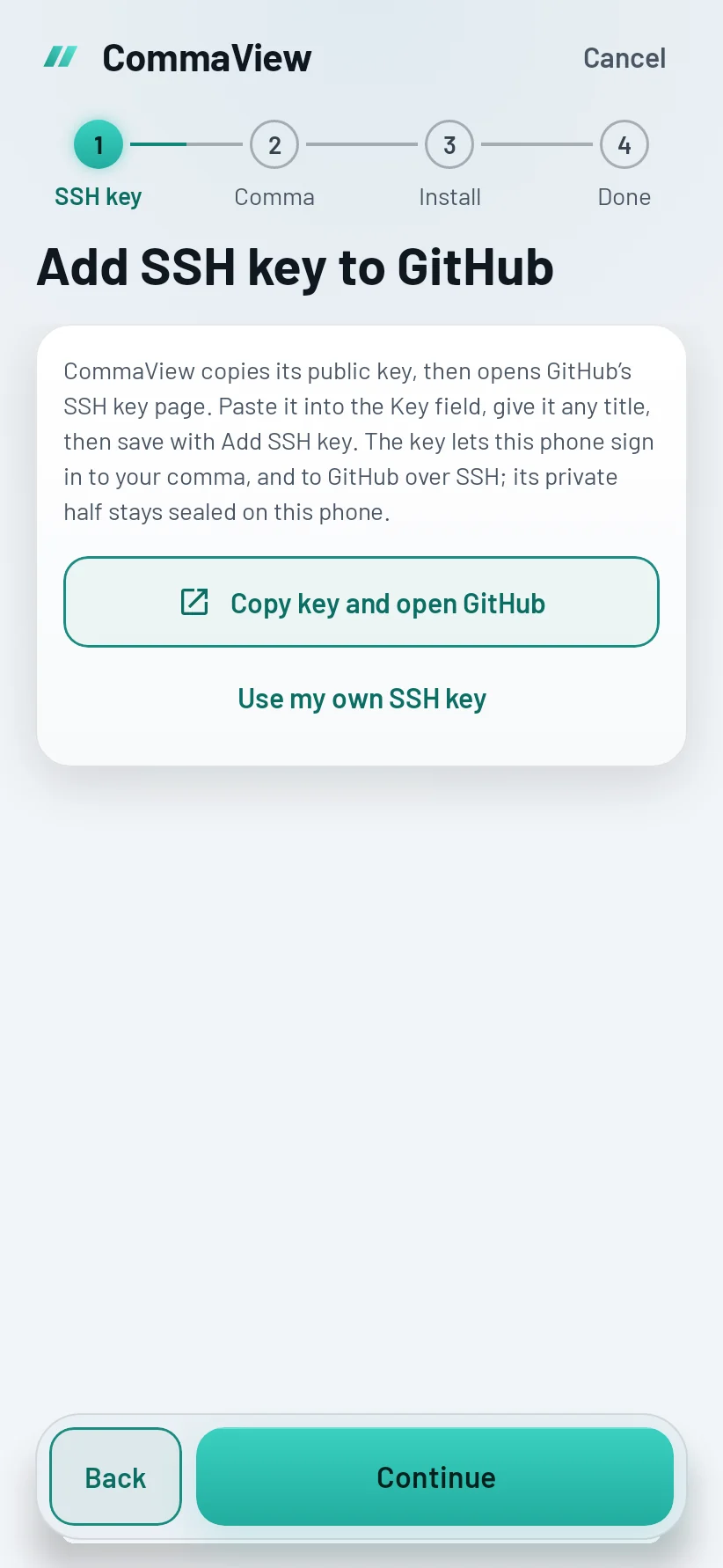
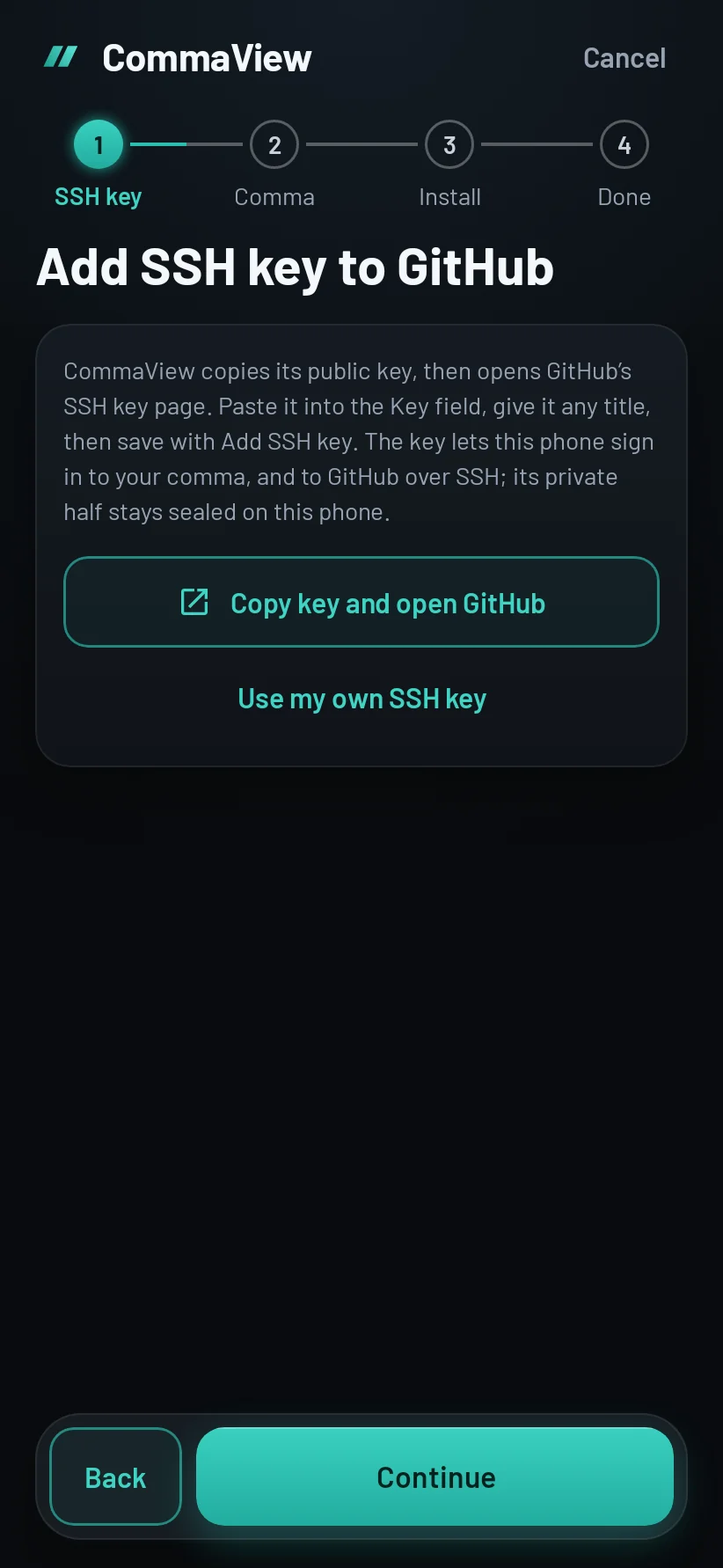
- Add the SSH key to GitHub
- Turn on SSH on your comma
Getting started
From the app to a paired comma.
-
Set up CommaView
Install the CommaView app on Android, get your comma 3X or comma four ready, and let guided setup install the runtime and pair your comma.
-
Check your comma and fork are supported
CommaView works with openpilot, sunnypilot, StarPilot, xnor, AdventurePilot, SunnyPilot-TeslaHW1, carrotpilot, BluePilot, dragonpilot and OPGM, and best effort with other forks.
-
Connect in the car without home Wi‑Fi
Put your phone and comma on one network in the car: your phone’s hotspot, the comma’s hotspot or a car screen’s, and what to do when CommaView can’t reach the comma.
-
Add another phone or tablet
Give another phone, tablet or car screen its own key to your comma with a 10-minute invitation, and see and remove the phones that have one.
Live View and screens
Your phone, a tablet, the car’s screen or its browser.
-
Watch your comma in Live View
Open Live View to see your comma’s road camera and its onroad screen on your phone, and learn its controls, Details and what it says when something’s wrong.
-
Show Live View in your car’s browser
Browser View shows CommaView’s Live View in your car’s own web browser, a Tesla’s too, served by your phone over its hotspot. Nothing to install in the car.
-
Use CommaView on a tablet or car screen
Run CommaView’s Live View on a bigger screen: an Android head unit, an Android AI box on the car’s own screen, or a tablet on a mount. Install, network, pairing and layout.
-
Run CommaView on an Android AI box
Put Live View on your car’s own CarPlay or Android Auto screen with an Android AI box: plug it in, install CommaView, put it on your comma’s network, pair it and make it fit.
-
Go live to YouTube or another server
Stream what Live View shows, the road and its onroad screen, to your YouTube channel or any RTMP server, at 720p or 1080p. Set it up once, then go live from Live View.
-
Choose the onroad screen and add overlay packs
Pick how Live View draws the road: the comma four’s screen, the comma 3X’s or CommaView’s own. Then add an overlay pack for what your fork draws on its own screen.
Recordings
Save, play back and share a drive.
-
Record a drive from Live View
Tap Record in Live View, then make the drive’s replay once you park: the comma’s own video with your fork’s screen drawn over it, saved on your phone.
-
Record a live copy of what Live View shows
A live copy saves what Live View shows on your phone as you drive, ready in Recordings the moment you stop, with no 10-minute limit. Never uploaded.
-
Share and export recordings
Share a replay or a live copy from Recordings, open it in another app, or export a whole drive from your comma as one MP4 on your phone.
Updates and your account
Keep the app and runtime current, safely.
-
Update your comma’s runtime
Update the CommaView runtime on your comma from Home or Device settings. Safe Update waits for Park, so an update never interrupts a drive.
-
How CommaView releases work
How the CommaView app and the runtime on your comma are released: alphas, then a beta, signed downloads, matched runtimes and updates that wait for Park.
-
Remove CommaView from your comma
Uninstall the CommaView runtime from your comma in Device settings, put your fork’s files back as they were, and forget the comma on your phone.
Troubleshooting
When something doesn’t work.
-
Fix a setup that stops
What CommaView’s setup messages mean, in the order setup goes: SSH, the install, then pairing. Find the message you see and what to do about it.
-
CommaView can’t find your comma
Home says Offline or Live View can’t reach your comma? Check the network, the comma’s address and its pairing, in that order.
-
Send a support bundle
Keep diagnostics on, make the problem happen again, then send a report with your phone’s and your comma’s logs from Settings › Support & diagnostics.
No guide matches that yet.
Try another word, or ask on Discord. We write a guide for what people ask most.
Still stuck?
Send a report from Settings in the app, or ask the community on Discord.
How to send a reportWant the why, not the how?
Release notes, comparisons and how CommaView works are on the blog.
Read the blog